
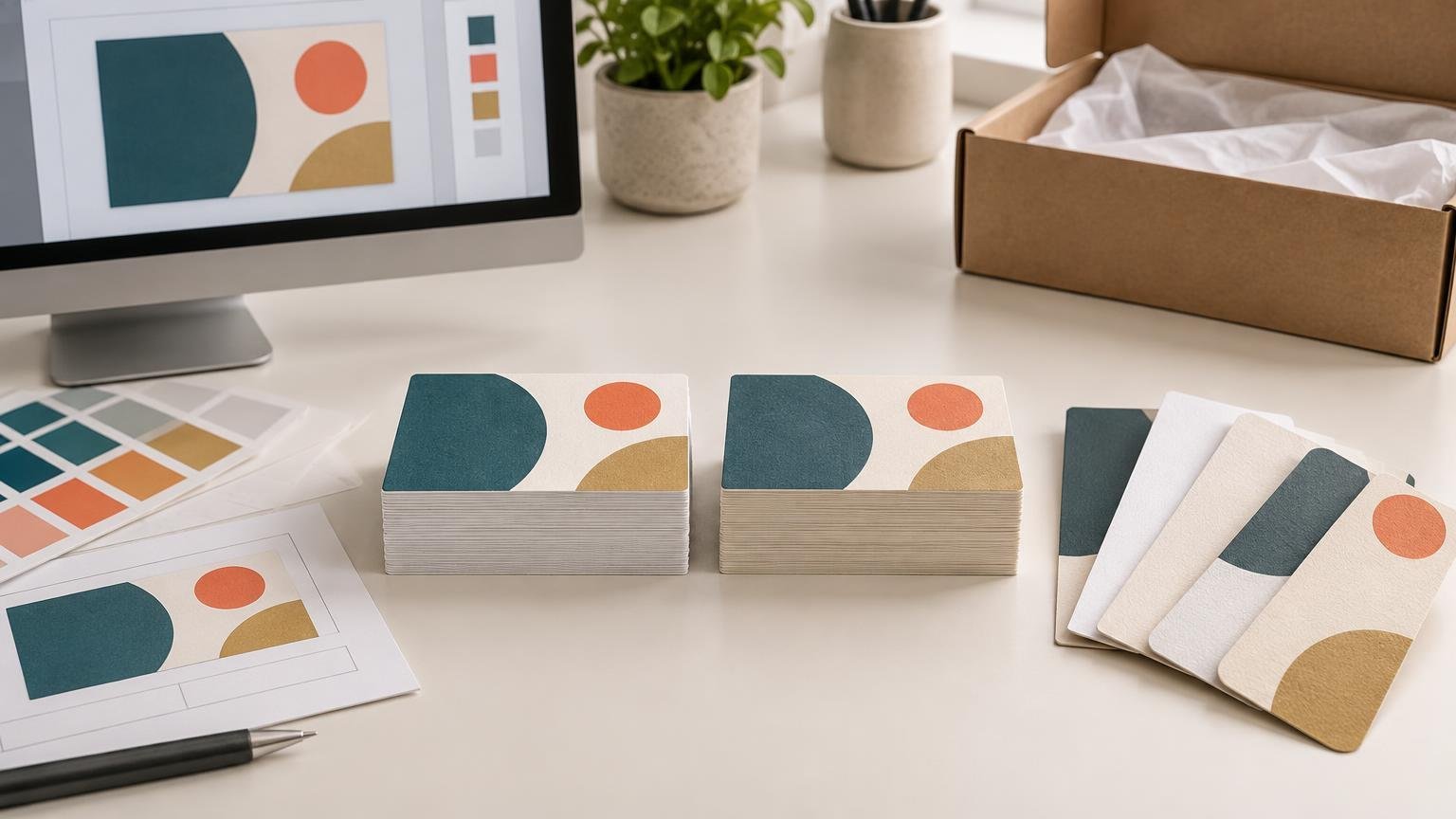
TLDR: In Canva Print vs Vistaprint, choose Canva when your finished design already lives in Canva and minimizing workflow handoffs matters most. Choose VistaPrint when you want to compare more clearly stated business-card stocks, shapes, quantities and finishing upgrades—or when you already have print-ready artwork to upload. Do not assume either one is cheaper, faster or better-looking until you compare matched live carts and physical samples.
The decisive issue in Canva Print vs Vistaprint is not the logo on the checkout page. It is whether the service supports your exact size, quantity, stock, finish, deadline and artwork workflow at an acceptable delivered cost. This is a research-based comparison of documented offerings and policies, not a hands-on quality test. No matched PrintReviewer orders were supplied, so there is no responsible basis for naming a universal print-quality winner.
The provisional verdict by buyer type
Canva is the more natural starting point when the design is already being built there. Keeping design and ordering in one environment can remove an export-and-upload step. That convenience is meaningful for a straightforward order, but it does not establish better color, trimming, paper or value.
VistaPrint is the more conventional choice for buyers who want to browse printer-defined options or upload completed artwork. Its standard business-card page supports both templates and artwork uploads, and it lists choices including glossy, matte and uncoated standard papers, along with premium papers, shapes, rounded corners, embossed gloss and foil accents. The page also lists quantities from 50 through 10,000 or more, although availability can change with the selected configuration.
For a deadline-critical or price-sensitive job, withhold the decision until both carts are configured identically. A low starting price is not a delivered-price comparison, and an advertised fast-delivery option is not a promise for every product, destination or order time.
| Buyer or job | Provisional fit | What to verify before paying |
|---|---|---|
| Design already completed in Canva | Canva Print reduces workflow handoffs | Final dimensions, bleed, stock, finish and delivered total |
| Finished print-ready file from another application | VistaPrint provides an established upload path | Accepted format, preview result, safe area and image resolution |
| Business card needing a special finish or shape | VistaPrint lists a broad set of card upgrades | Whether the exact upgrade is available at the required quantity and deadline |
| Order needed urgently | No automatic winner | Production cutoff, delivery ZIP code, shipping service and promised arrival date |
| Job requiring proven color or trim consistency | Neither can be selected from specifications alone | Matched physical samples or a suitable production proof |
| Specialized commercial or resale workflow | Consider a specialist printer | Proofing, account eligibility, finishing, quantity and service model |
What is actually being compared?
Canva is primarily a design platform with an integrated print-ordering route. Its terms state that Canva Print products are provided through third-party print partners and that availability and delivery estimates are subject to limitations. Its advertised print catalog covers products such as business cards, flyers, brochures, stickers, banners, apparel and branded merchandise.
VistaPrint operates more like a configurable online print retailer. Buyers can begin with a template or upload artwork, then choose available production options for the selected product. That distinction affects ordering convenience and option discovery, but it says nothing by itself about which company will produce the better physical result.
Product-level comparisons are essential. A result from one standard business-card order cannot establish how either provider performs on folded brochures, stickers, invitations, signage or apparel. If you are shopping beyond cards, use a job-by-job guide to online printing services and compare the requirements of that product rather than extending a verdict from another category.
How to make Canva Print vs Vistaprint a fair comparison
PrintReviewer’s review methodology evaluates physical output alongside materials, finishing, realistic cart cost, turnaround, ordering tools and support. It also calls for artwork to follow each printer’s trim, bleed and safe-area requirements. A credible head-to-head test should therefore use the same source design while adapting the production file correctly for each service.
For business cards, a useful matched test would order the same 3.5 × 2-inch, double-sided design from both providers at the same quantity. Choose the closest comparable paper and surface finish, send both orders to the same address and place them close enough together that market conditions are reasonably comparable.
Record more than the advertised product price:
- Base product price and quantity
- Paper, finish, shape and corner upgrades
- Any file, design or setup charge
- Shipping and rush charges
- Tax and final checkout total
- Order time, estimated arrival and actual arrival
- Promotional code, if used, and the regular price shown
- Packaging condition and whether the complete quantity arrived
For a broader value check, repeat the cart exercise at practical quantities such as 50, 100, 250, 500 and 1,000, where both services offer them. Do not mix a discounted Canva cart with a regular VistaPrint cart, or economy shipping on one side with rush delivery on the other. If you already have completed artwork, the criteria in this guide to business-card printers for uploaded designs can help separate editor convenience from production suitability.
Design workflow and file preparation
Canva’s central advantage is continuity: create the design, review it and move toward ordering without leaving the platform. This can be efficient for a small business owner working from a Canva template. The risk is treating a screen preview as a production proof. A preview can reveal obvious placement errors, but it cannot prove final color, stock appearance, coating behavior or cutting accuracy.
Canva states that its default bleed for products that are trimmed or cut is 0.125 inches, or 3.175 mm, on every side. It also tells users printing elsewhere to check that provider’s requirements. Bleed extends background artwork beyond the final trim line so small cutting variation does not expose an unintended white edge.
When exporting a Canva design for VistaPrint, first confirm the destination product’s finished dimensions and file instructions. Do not assume that turning on crop marks automatically makes the file suitable. Check that important text and logos remain inside the safe area, backgrounds extend through bleed, and the exported file has not changed the intended page size.
A practical preflight should also inspect small text, thin lines, low-resolution images, transparency effects and dark fills. QR codes deserve special attention: leave clear space around the code and test it at the intended printed size. An online proof can help detect layout mistakes, but it should not be described as a color-accurate contract proof.
Print quality cannot be judged from the option list
Neither vendor’s catalog proves superior output. A meaningful physical comparison would examine fine-text sharpness, thin rules, photographs, gradients, solid fills, dark neutrals, front-to-back orientation, registration and trimming. Stock thickness, stiffness and surface feel should be evaluated separately from image quality.
Finishes also change the buyer-facing result. Gloss can increase surface reflection and make a card harder to read under direct light. An uncoated surface can be easier to write on, while foil or raised effects may add visual emphasis but also increase cost and reduce the number of directly comparable configurations. These are use-case tradeoffs, not a simple premium-versus-budget ladder.
Color judgments require controlled conditions. The source file, color handling, chosen paper, coating and viewing light all affect appearance. Without documented matched orders, claims that one provider is more accurate, vivid or consistent would be speculation.
Price and delivered value
Canva’s supplied promotional pages illustrate why starting prices need caution. One page advertises examples including 50 business cards from $14 and flyers from $9.50, while another shows different starting examples, including 50 business cards from $14.50 and 50 flyers from $37.50. Those figures may involve different products or configurations; they do not establish Canva’s final price for your order.
The only useful price contest is a timestamped cart comparison. Match dimensions, printed sides, quantity, paper, coating, shape, delivery destination and speed. Then compare the amount actually due. A cheaper base price can lose after stock upgrades and shipping, while a higher product price may still be better value if it includes the option you otherwise need to add.
Promotions deserve their own line in the comparison. Record both the discounted total and the displayed regular total when possible. That prevents a temporary coupon from being mistaken for a durable pricing advantage.
Turnaround, delivery and pickup
Production time and delivery time are not interchangeable. The relevant number is the estimated arrival date for the completed cart at the buyer’s ZIP code. VistaPrint advertises next-day and two-day delivery for qualifying business-card orders, but that should not be generalized to every stock, finish, quantity or destination. Buyers working against an event date should also review the practical limits behind fast-turnaround business-card printing.
Canva says pickup is available only for selected products and locations in the United States and Canada, with a minimum of 50 copies per design. Check eligibility in the live ordering flow; the presence of pickup for one item or location does not mean your order qualifies.
For either provider, save the quoted arrival window and order confirmation. During a matched review, record the order timestamp, proof or approval stage, dispatch notice and delivery date. That distinguishes production delay from carrier transit and makes a speed conclusion traceable.
Support, reprints and refunds
Canva instructs customers with a production-caused print problem to contact it within 30 days of receipt. Its help documentation says a reprint may be offered, or a full or partial refund when reprinting is not possible. Eligibility still depends on the circumstances, so retain the packaging and photograph the product, shipping label, quantity and defect.
VistaPrint’s help documentation identifies self-service assistance plus live chat, phone and email channels, with availability varying by location and time. The supplied evidence does not establish a directly comparable remedy window for every VistaPrint problem. Check the current policy before ordering rather than assuming that access to more contact channels guarantees a particular outcome.
A remedy policy and an observed support experience are different evidence. A future hands-on comparison should report response time, requested documentation and actual resolution only if a real support case occurs; it should not manufacture a complaint merely to generate a service score.
When neither service is the right fit
A consumer-facing design-and-order platform may be insufficient when the job needs unusual substrates, precise brand-color control, complex finishing, physical proofs, mailing preparation, high-volume production or reseller infrastructure. UPrinting presents a broad commercial print catalog, while 4over describes a trade-oriented printing model; those are different production contexts, not evidence that either would outperform Canva or VistaPrint on quality.
Likewise, a buyer whose job is specifically labels or decals may get more relevant configuration choices from a provider focused on custom sticker printing. The point is not to default to a specialist for every order. It is to move beyond a general platform when the material, adhesive, finishing or application requirement becomes the main purchasing criterion.
Frequently asked questions
Can I design in Canva and print with VistaPrint?
Yes, provided the exported file matches VistaPrint’s current dimensions and file requirements. Verify final size, bleed and safe area before uploading, then inspect every page in the preview. Do not rely on crop marks alone to correct an incorrectly sized design.
Which is cheaper for business cards?
There is no durable winner without matched carts. Compare the same quantity, paper class, finish, printed sides, shipping destination and arrival speed. Include tax, shipping, rush charges and temporary promotions in the recorded totals.
Does an online proof guarantee accurate color?
No. An online preview is primarily useful for checking content, orientation and approximate placement. It cannot reproduce the exact interaction among production color, paper, coating and viewing light. For color-critical work, ask what proofing options are available and what the provider actually warrants.
Which service is better for rush printing?
Use the live arrival estimate for the exact configuration and ZIP code. VistaPrint advertises expedited delivery for qualifying business-card orders, while Canva offers location- and product-dependent pickup. Neither feature establishes universal same-day or next-day availability.
Final recommendation
Choose Canva Print when the artwork already lives in Canva, the available product configuration meets the brief and its final delivered total and arrival date are acceptable. Choose VistaPrint when its upload workflow or stated range of business-card papers, quantities and embellishments better matches the job.
If print quality is the deciding factor, do not treat either provisional recommendation as a verdict. Order the closest matched samples, evaluate them against the same test file and document the cart, production and delivery conditions. Until that evidence exists, workflow fit and the live checkout—not an unsupported claim of superior quality—should decide Canva Print vs Vistaprint.
References
- Standard Business Cards, Custom Business Card Printing | VistaPrint
- Terms of Use
- Custom Promotional Products – Design and Print on Canva
- Review Methodology – The Print Reviewer
- Use margins, bleed, rulers, and crop marks – Canva Help Center
- Custom Marketing Materials and Promotional Products | Canva
- Collect your Canva Print order – Canva Help Center
- Fix an issue with your Canva Print order – Canva Help Center
- What do I do if I need help? | VistaPrint Help Center
- All Print Products & Services | UPrinting
- 4over.com