
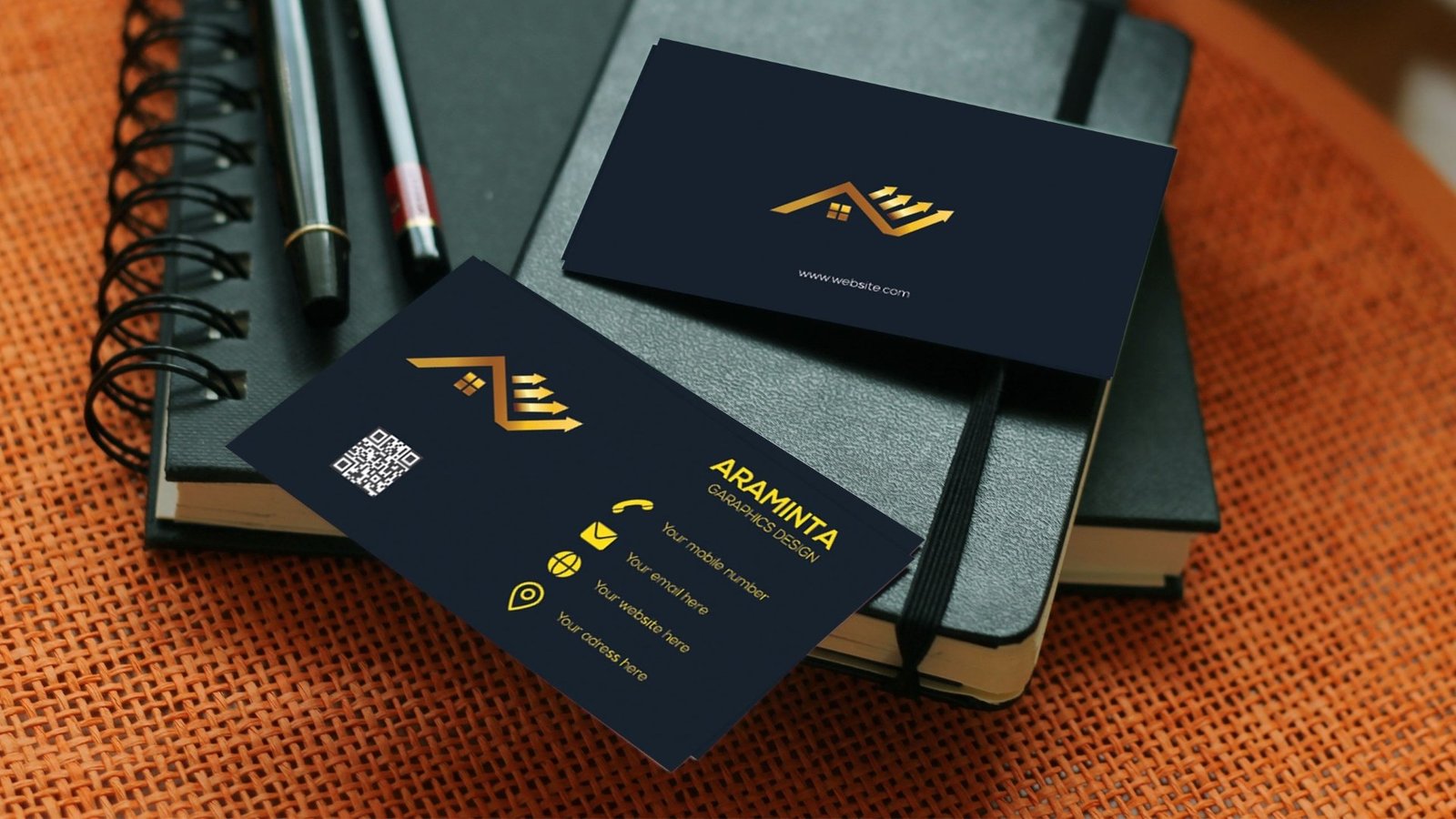
Zazzle and 48HourPrint both sell business cards, but they grew up in very different corners of the print world. Zazzle is a marketplace where independent designers upload thousands of templates, and you customize them in a browser. It is design first and production second.
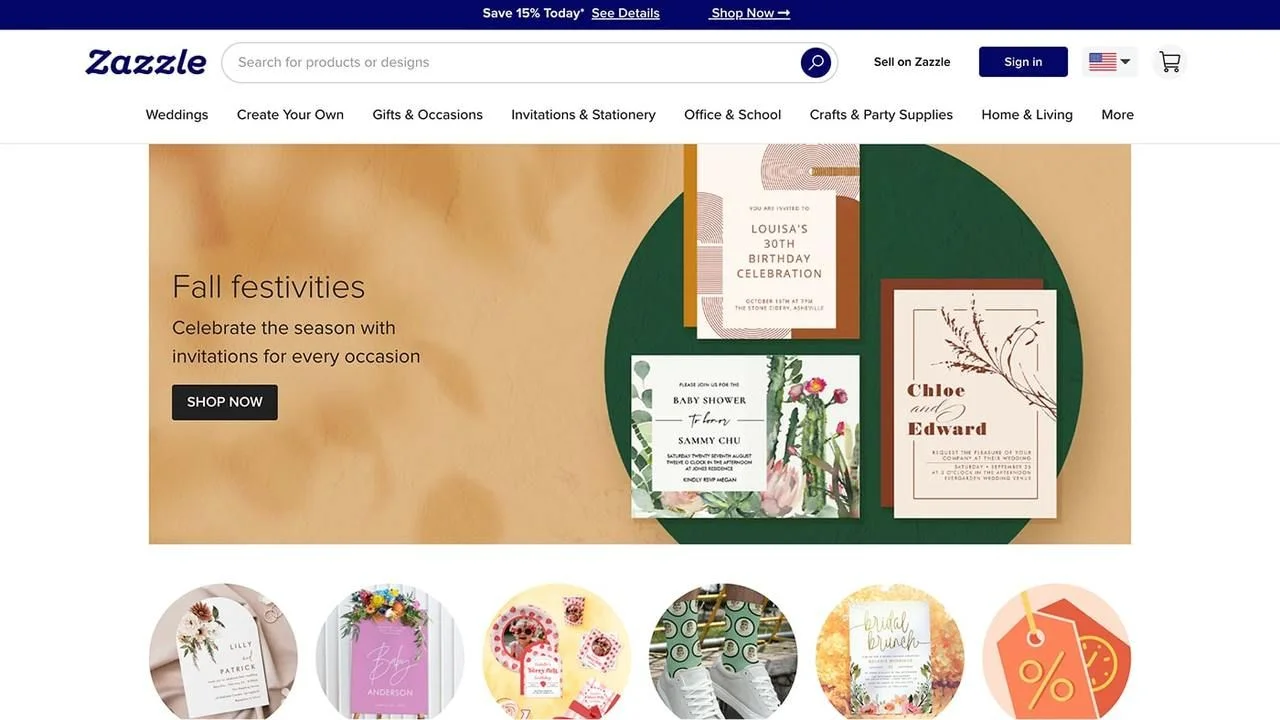
48HourPrint is a traditional online printer that happens to have a usable online editor. The brand leans on quick turn, trade-style production, and “get in, get it done” ordering. When we rate business card printers on quality, options, tools, customer service, price, and speed, Zazzle sits near the bottom of our business card stack while 48HourPrint lands in the lower middle, helped a lot by speed and usable tools.
With that context, here is how Zazzle vs 48HourPrint business cards compare section by section.
Quality (Materials and Print)
On paper specs alone, Zazzle can look surprisingly impressive. Their business cards offer:
- Standard stocks around the mid-teens in point thickness, in matte or semi-gloss
- Signature matte options with a UV-coated surface for extra protection
- Premium silk laminated stock with a velvety, water-resistant finish
- An ultra-thick option around 32 pt with an uncoated, eggshell feel
So why do we rate Zazzle’s business card quality low compared with other printers? Because in real use, the default choices do not consistently feel like trade-quality cards. Unless you consciously upgrade to the better papers, the base stock can feel thin and consumer-grade—more like heavy office paper than a proper business card. You can absolutely get nice cards from Zazzle, but the “good” experience is locked behind upgrades, and reviews show a wider spread in satisfaction than we’d like.
48HourPrint is more modest on paper options but more predictable in the hand. Standard cards are printed on trade-style cover stocks (14 pt being the baseline, with thicker options available on some products) and allow matte, gloss, or high-gloss UV coatings. You don’t get ultra-luxe finishing or letterpress-level papers, but you do get business cards that feel like what most people expect from a dedicated online printer. Color is generally solid and coatings do what they’re supposed to do.
Overall, if you pay for Zazzle’s high-end papers you can get attractive cards, and some of their premium stocks are legitimately impressive. For typical, non-upgraded orders, though, 48HourPrint delivers more reliable business card quality.
Price and Value
Pricing on both sites shifts constantly with sales and promo codes, so the comparison is more about patterns than pennies.
Zazzle typically sells business cards in packs of 100, with list prices that can be a bit high for the base stock but frequent promotions that drag “create your own” cards into a more palatable range. Once you start upgrading paper, finishes, or card shapes, however, pricing rises quickly. At that point you’re paying solid money for cards that still have a somewhat mixed quality reputation unless you’ve tested the exact combo before.
48HourPrint positions itself closer to a classic trade printer: relatively simple product structure, quantity discounts, and frequent sales on standard and “cheap” business cards. You’ll usually see 14 pt or 16 pt stock included at baseline with a choice of free matte or gloss, and the cost per card drops nicely as you move into more business-like quantities.
In our internal scoring, Zazzle ends up with middling marks on price and weak marks on quality, while 48HourPrint sits in the middle on both. For a buyer who cares about the card in their hand more than the shopping experience, 48HourPrint almost always offers better value per card.
Design Templates and Customization
This is the one category where Zazzle clearly outclasses 48HourPrint.
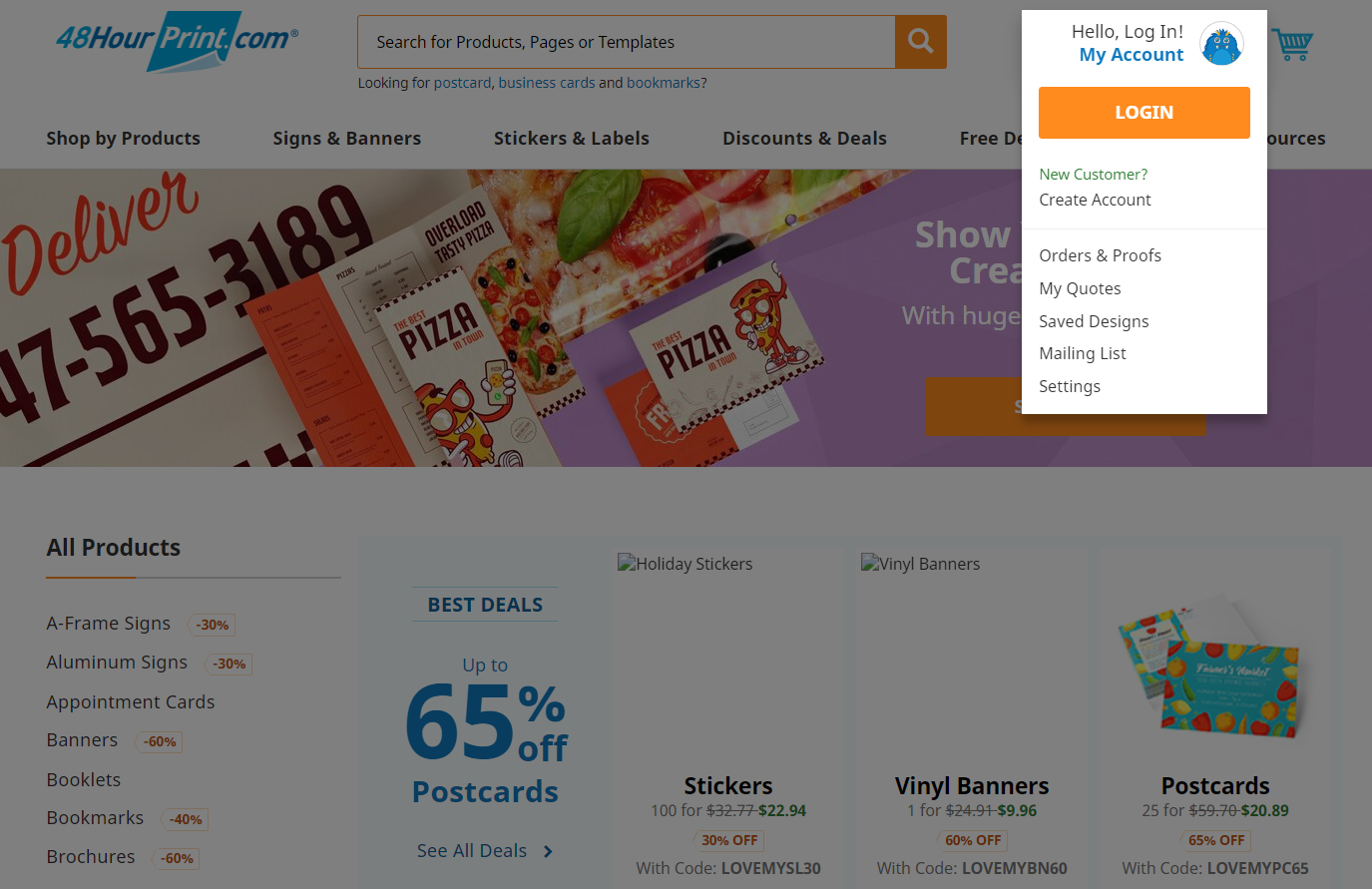
Zazzle’s entire business model is a marketplace of templates. There are thousands of business card designs covering every niche: classic corporate, minimalist, hyper-cute, ultra-bold, and profession-specific sets for everything from hair stylists to dog walkers. You can filter by style, color, theme, and more, then tweak text, colors, and sometimes layout directly in your browser. For someone with no design background, it’s one of the easiest ways to get an on-trend card without hiring a designer.
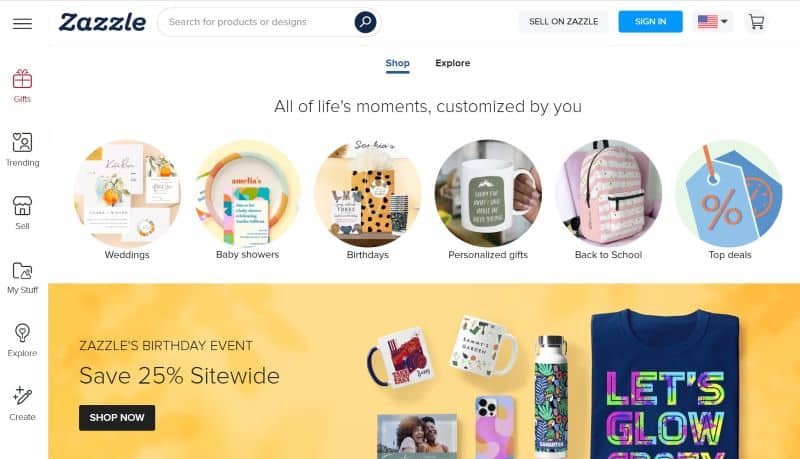
48HourPrint does offer templates and an online editor, but the library is smaller and more utilitarian. The tools are fine for basic layouts—changing text, dropping in a logo, swapping colors—but they feel more like a bolt-on to a production site than the main attraction. If you care about typography, spacing, and brand alignment, you’re more likely to design offline and upload a finished file.
So for design depth and template variety, Zazzle wins easily. That advantage matters most if you don’t already have a design and don’t plan to hire a designer.
Customer Service
Neither brand is top-tier on support, but there is a difference.
Zazzle’s customer service reputation is uneven. Some customers rave about fast resolution and easy reprints; others report slow responses, friction on refunds, or feeling like they’re dealing with a marketplace rather than a single accountable printer. The experience seems highly dependent on the specific product, vendor, and timing.
48HourPrint does better overall in terms of aggregate ratings, with many customers highlighting ease of use, solid communication, and deliveries that meet expectations. That said, external reviews also include a non-trivial number of complaints about delayed shipments or jobs that missed the hoped-for “48-hour” window, plus occasional issues with misprints or color mismatch.
In our scoring, 48HourPrint lands in the “slightly below average but serviceable” band for customer service, while Zazzle sits near the bottom of our business card group. Neither is a concierge-level experience, but we give 48HourPrint the edge if something goes wrong and you need it fixed.
Ordering Experience & Tools
Ordering from Zazzle feels like shopping on a big marketplace. You browse endless templates, pick a design, customize it, select paper and quantity, and check out. If you enjoy that exploration, it’s fun—almost like Etsy for printed products. The flip side is that it can feel overwhelming or distracting if your goal is simply “buy 500 decent cards and move on with my day.”
48HourPrint’s workflow is more linear and production-oriented. You choose your card type and size, pick a stock and coating, then either upload print-ready files or use their simpler editor. There are fewer bells and whistles, fewer “while you’re here, look at this other product” distractions, and more of a sense that you’re placing a job ticket.
For non-designers who want shopping and browsing to be part of the experience, Zazzle is friendlier. For anyone who has a design ready and just wants a straightforward production pipeline, 48HourPrint feels leaner and more focused.
Turnaround Time and Shipping
Turnaround is where 48HourPrint stakes a big part of its brand. Many business card products are listed as ready to ship in one to five business days, with specific SKUs marketed around very fast production. That does not mean you always get your cards in exactly 48 hours, but the system is clearly tuned for quick, repeatable jobs.
Zazzle offers multiple shipping speeds, but it does not position business cards as a rush specialty item. Production plus shipping times are generally fine for personal use or small orders, but Zazzle is not where we’d send someone who just ran out of cards before a conference and needs a reliable, date-driven turnaround.
If speed is a priority, 48HourPrint is the clear winner.
Use Cases / Best For
48HourPrint is best for:
- Small businesses that need standard, decent-quality business cards on a real deadline
- People who already have a design and want reliable trade-style production
- Orders where free matte or gloss coating and quick turn matter more than fancy papers
Zazzle is best for:
- Solo professionals or side projects that want a quirky, hyper-specific template
- Buyers with no design background who want to pick from a huge library of finished looks
- One-off or small runs where browsing templates is part of the fun and deadlines are flexible
For most practical business card needs—especially if you’re ordering more than a single pack—48HourPrint is the more sensible default. Zazzle fills a niche for design-driven, light-duty use.
Pros and Cons
Zazzle – Pros
- Huge marketplace of niche and on-trend business card templates
- Easy browser-based customization with no design software required
- Premium stocks (like silk and ultra-thick options) available if you upgrade
Zazzle – Cons
- Default paper options can feel thin and consumer-grade
- Print consistency and finishing quality are more variable than trade printers
- Customer service and issue resolution are less reliable
- Costs climb quickly once you choose better papers and finishes
48HourPrint – Pros
- Solid trade-quality cards on 14 pt+ stocks with free coatings on many options
- Fast production timelines with many orders ready to ship in a few business days
- Straightforward product setup and file upload workflow
- Competitive per-card pricing at typical business quantities
48HourPrint – Cons
- Limited specialty stocks and high-end finishes compared with premium card boutiques
- Template library and online editor are functional but not inspiring
- Customer service is decent but not best-in-class
- “48-hour” expectations can sometimes clash with real-world production and shipping
Final Verdict
If you strip away the fun of browsing templates and just look at the card in your hand, 48HourPrint is the stronger choice. The stock feels more like a real business card, coatings are included, and turnaround is tuned for business needs.
Zazzle shines as a design playground, but its base paper, print consistency, and customer-service performance don’t match what we expect from a dedicated business card printer. You can pay for premium paper and get better results, yet at that point you’re spending real money on a platform with a wider spread of outcomes.
So in a straight Zazzle vs 48HourPrint business cards matchup, our recommendation is simple:
- Use 48HourPrint when you want decent, fast cards for real-world business use.
- Reach for Zazzle only when you absolutely love a specific template and can tolerate more variability in the finished product.