
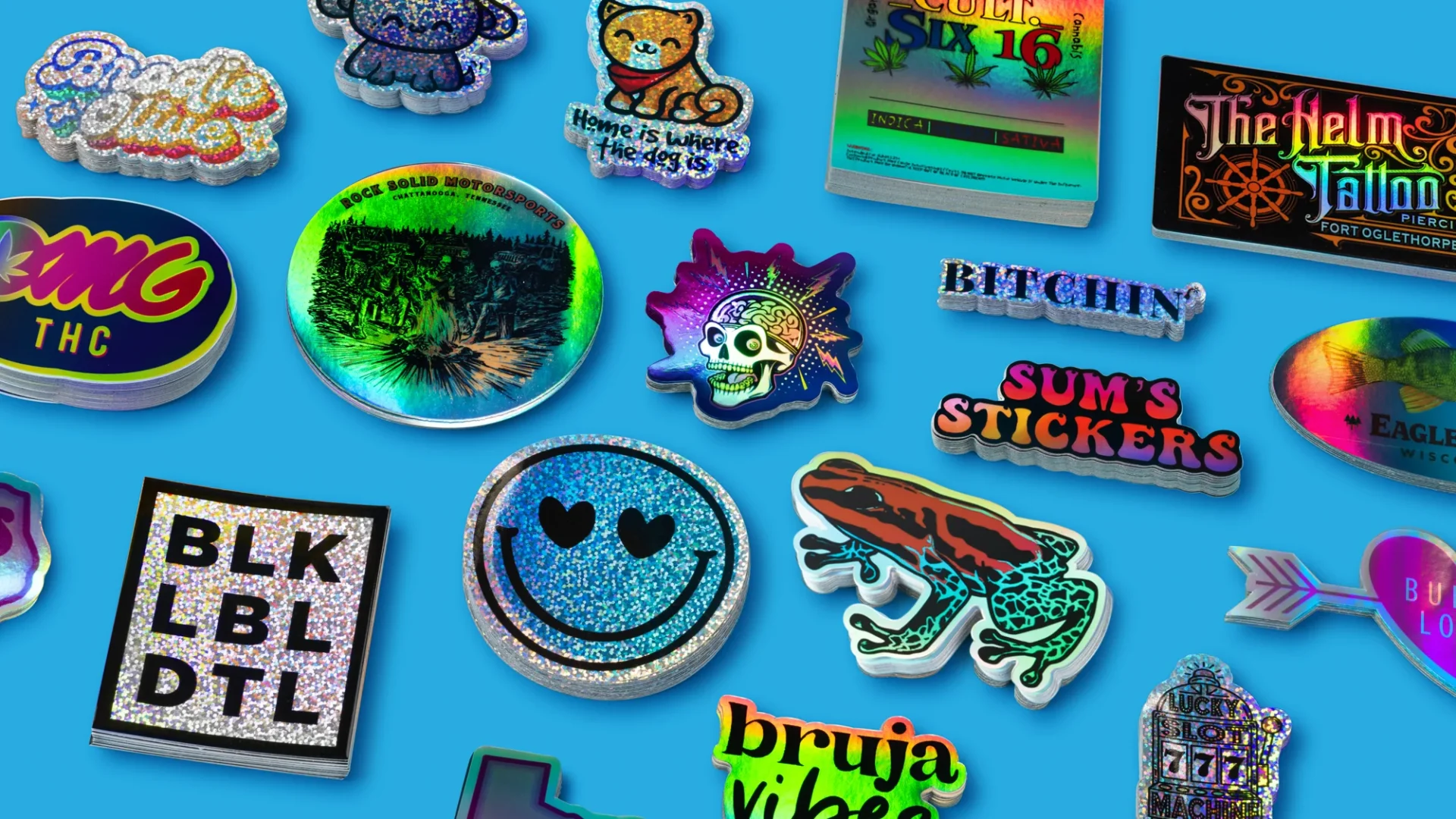
In our testing scorecard, both earned top marks for options and finishes, but StickerApp came out ahead on turnaround and value.
StickerApp vs StickerYou is a real comparison because both brands lean hard into the fun stuff: holographic, glitter, clear, glow, and other materials that look like you planned the sticker instead of just printing a logo on white vinyl.
The difference is how they behave in real life once you leave the product page. At PrintReviewer, we score sticker companies on five metrics: quality, price, options/finishes, customer service, and turnaround. Scores are 1–5 and relative within our tested group, not “perfect vs terrible.”
Here’s how these two landed for us:
| Company | Quality | Price | Options/Finishes | Customer Service | Turnaround | Overall |
|---|---|---|---|---|---|---|
| StickerApp | 3.0 | 4.0 | 5.0 | 3.5 | 5.0 | 4.1 |
| StickerYou | 3.5 | 3.0 | 5.0 | 3.0 | 3.5 | 3.6 |
Both can absolutely make cool specialty stickers. The question is: which one is more likely to give you the finish you want without tradeoffs that surprise you.
Quality: Materials and print
Why specialty finishes are harsher critics than plain vinyl
Specialty materials magnify everything. A tiny edge wobble looks bigger on holographic. Slight softness in fine detail looks worse on glitter. Clear stickers punish low-contrast art because the surface underneath becomes part of your design.
So when we talk about “quality” here, we’re not only talking about the ink. We’re talking about cut precision, edge cleanliness, and whether the finish makes your design pop or makes it harder to read.
StickerApp quality, the honest version
StickerApp is the better “finish-first” shop. Their material menu is deeper, and they’re clearly set up to crank out specialty looks quickly.
The downside is consistency. In our notes, StickerApp’s output can feel a bit like rolling dice compared to the most reliable specialists. When it’s great, it’s great. When it’s not, the issues tend to show up as slightly softer detail or cuts that are just a little less clean than you’d expect.
If your design is bold and graphic, StickerApp usually looks awesome on the weird materials. If your design has tiny linework, micro text, or intricate silhouettes, you are more likely to notice the variability.
StickerYou quality, the honest version
StickerYou is a “big catalog” shop. Their quality is generally fine, and they can absolutely produce good specialty stickers. But they’re not the shop we point to when someone says, “I need the cleanest edges and the crispest tiny details.”
In our broader sticker testing, we’ve seen StickerYou land in the “good enough” zone more often than the “wow” zone. It’s not bad. It’s just not the most confidence-inspiring choice when the job is picky and the finish is unforgiving.
Practical quality advice for specialty stickers
If you’re ordering specialty finishes from either company, these three things prevent most regrets:
- Use bold shapes and clear contrast. Holographic and glitter look best when the art reads from 3 feet away.
- Don’t rely on hairline outlines. If the outline matters, make it thicker than you think you need.
- Treat clear stickers like window graphics. The background is not white anymore. Plan for what’s behind it.
Price and value
StickerApp beat StickerYou on value in our scorecard, and that lines up with how these companies tend to feel when you price common sticker specs.
StickerYou can absolutely be competitive on certain configurations, especially when you’re using their page-based formats and packing multiple designs efficiently. But for a straightforward “I want this design as die cut holographic or glitter,” StickerApp more often lands as the better deal.
One caveat: specialty pricing is extremely spec-dependent (size, quantity, format, and material). If you care about budget, you should still run a live quote for your exact build. Specialty materials can flip the outcome fast.
Design, templates, and customization
This is where StickerYou earns its fanbase.
StickerYou’s strength: the editor and the format menu
StickerYou leans into DIY creation. Their sticker maker is built for iterating in-browser, laying out pages, and tweaking details without leaving the site. If you like instant visual feedback, it’s convenient.
They also have a broad product universe beyond stickers. That matters if you’re trying to keep a merch ecosystem in one place.
StickerApp’s strength: faster “upload art, pick material, go”
StickerApp’s customization experience is more about choosing the material and finish, then letting the order move. It’s not trying to be a full design platform. It’s trying to be fast.
If you already have print-ready files, StickerApp’s flow tends to feel simpler.
Customer service
Neither of these is our “gold standard” for support, but StickerApp scored slightly better for us.
StickerApp is generally responsive and helpful, with the main complaint being consistency of outcomes more than “support disappeared.”
StickerYou’s service reputation is more mixed. Some people have smooth experiences, some have rough ones. That variability is why they landed lower on our customer service score.
Ordering experience and tools
StickerYou: lots of knobs and switches
StickerYou’s ordering flow is built around choices: format, material, adhesive options, and the editor itself. That’s great when you want control, but it can also make it easier to accidentally approve something you shouldn’t (like a low-res file or a design that will not read well on glitter).
StickerApp: easier to get to “done”
StickerApp’s ordering is more streamlined, and their material education is better than most. Their specialty lineup is presented like a menu you can actually understand.
They also make it easy to get a sample pack, which is honestly one of the smartest moves you can make before committing to a big specialty run. Specialty materials are feel-and-light dependent, and your screen will lie to you.
Turnaround time and shipping
This is the cleanest separation in our testing.
StickerApp is fast. They publish very short production timelines and emphasize quick shipping. In our scorecard, they earned a top turnaround rating.
StickerYou is slower on standard timelines, with paid rush/express options if you need to pull the schedule forward. If your order is time-sensitive, StickerYou is very open about using faster shipping tiers, but you should plan like a normal order will take longer.
If your use case is “I have an event next week and I waited too long,” StickerApp is the safer bet between these two.
Use cases and best for
StickerApp is best for
- Specialty finishes that need to look intentional: prismatic, mirror-style, glitter, and other effect materials
- Fast merch drops (bands, artists, small creator launches)
- People who already have print-ready files and just want the coolest material choice
- Anyone who wants to sample materials before committing
StickerYou is best for
- People who want an in-browser editor and page-based layouts
- Projects where you want stickers plus other formats (labels, decals, and more)
- DIY creators who want lots of configuration choices in one place
- Orders where “good enough” is fine and the tool convenience matters most
Pros and cons
StickerApp pros
- Best overall specialty material menu
- Very fast turnaround
- Great when the finish is the point
StickerApp cons
- Consistency can be uneven compared to the most reliable specialists
- Fine detail and complex cuts are more likely to show small imperfections
StickerYou pros
- Strong editor and lots of product formats
- Many specialty materials available
- Good for page layouts and DIY customization
StickerYou cons
- Slower standard timelines
- More mixed reliability and support experiences
- Not our top pick when the job demands super clean micro detail
Final verdict
StickerApp vs StickerYou comes down to what you’re optimizing for.
If the goal is “specialty finishes first,” StickerApp wins more often. You get a deeper finish playground and faster turnaround, which is usually what people actually want when they’re shopping holographic and glitter.
If the goal is “tools and formats first,” StickerYou can be the better workflow, especially if you’re building pages, experimenting in-browser, or bundling multiple product types in one order.
If you’re still undecided, here’s the simplest tie-breaker: bold graphic sticker on a wild material, pick StickerApp. Fiddly detail-heavy art where you really care about edge perfection, neither is our first pick, and you should consider a more consistency-obsessed specialist.