
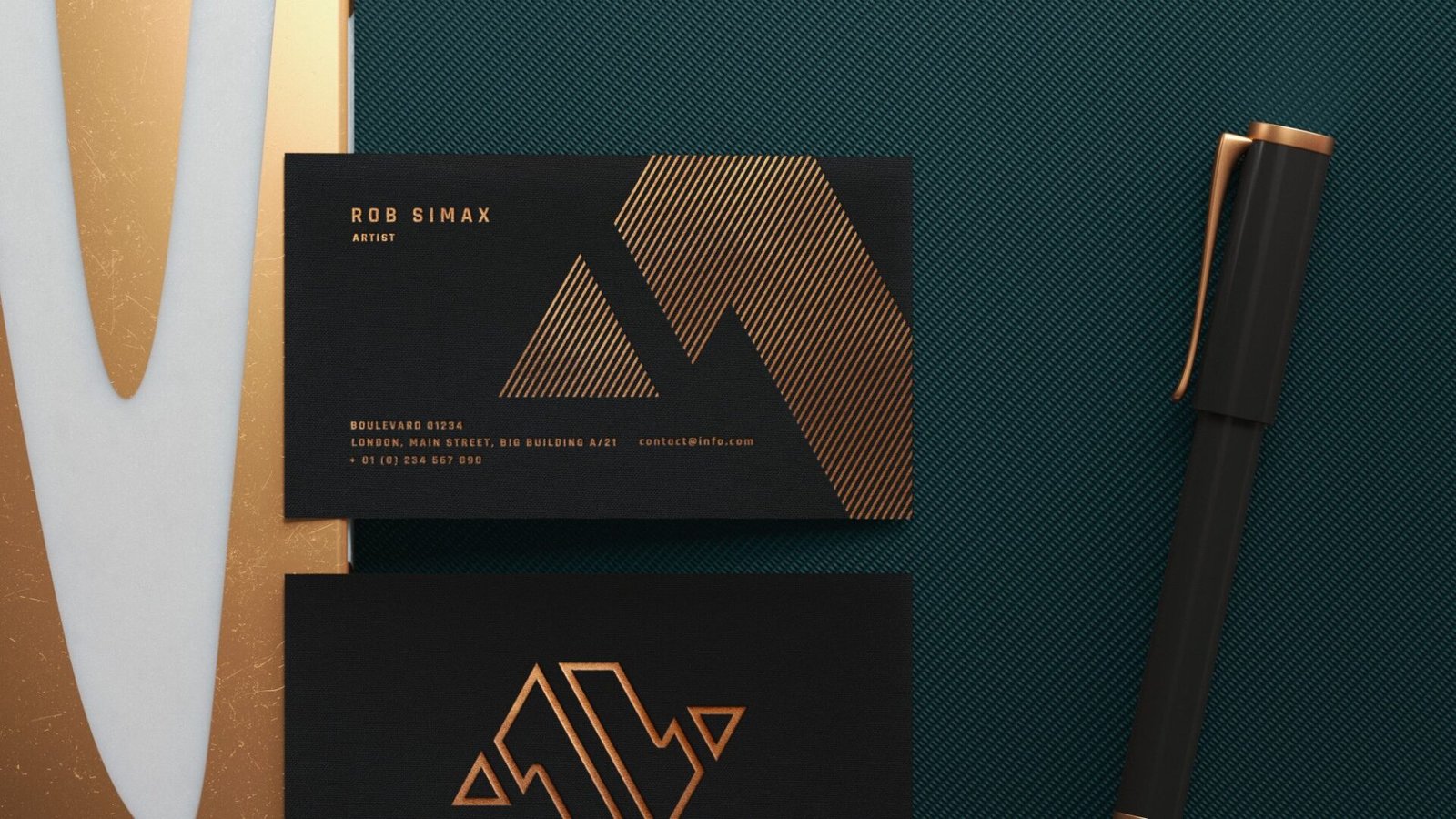
Yes, you can get “cheap” business cards anywhere. But cheap cards that don’t look like they came free with a toaster? That’s the whole game.
I’m going to treat “value” like a real-world thing here: not just lowest price, but the mix of print quality, stock options, turnaround, and how likely you are to end up re-ordering because the first batch came out wrong.
PsPrint vs Primoprint business cards: the quick verdict
Here’s the clean answer:
- Best overall value (most small businesses): Primoprint
- You get a lot of “this feels expensive” options without jumping straight to premium pricing.
- Their matte and silk-style lanes, plus upgrades like Spot UV, tend to look intentional fast.
- Best “safest pick” value: PsPrint
- PsPrint feels like the more conservative choice if you care about consistency, support, and fewer surprises.
- They also lean hard into file checking and color consistency, which matters if your brand colors are picky.
So if you want one sentence: Primoprint usually wins the “nice card per dollar” fight, and PsPrint wins the “I need this to go smoothly” fight.
What “best value business cards” actually means
Most people judge value by price per card. That’s only part of it.
Real value usually comes down to:
- Cardstock thickness (14pt vs 16pt vs 18pt vs 32pt)
- Finish choice (matte, gloss UV, silk, velvet/soft-touch, aqueous)
- Cut accuracy and alignment
- Color consistency (especially blacks, deep blues, and anything with a logo)
- Turnaround + shipping reality
- How painful the ordering process is (templates, proofing, file review, “why is this page broken” moments)
And yes, if you put a thin border around your design, value goes out the window fast. We’ll talk about that.
PsPrint business cards: where the value shows up
PsPrint is basically a “trade printer that learned how to talk to normal humans.”
Stock and finish options that matter
For standard business cards, PsPrint offers multiple practical stocks and coatings, including:
- 16pt C2S gloss cover
- 15pt velvet (with or without soft-touch coating)
- 14pt C2S gloss
- 14pt C1S (coated on one side, uncoated on the other if you need a writable back)
- matte options including recycled matte
- linen papers (bright white and natural)
That’s a solid menu for value buyers because you can stay in “normal price land” while still making the card feel upgraded.
Color consistency (the unsexy thing that makes cards look “pro”)
PsPrint leans on its G7 Qualified Master Printer status and calibrating equipment to G7 standards. In plain English: they’re telling you they take print consistency seriously, especially from proof to press.
If you’ve ever reprinted cards because your logo blue came out purple-ish, you get why this matters.
Turnaround rules are clear (and they have a cutoff)
PsPrint advertises business card turnaround “as fast as one day” for some configurations, and they’re explicit about the approval cutoff time (6 p.m. PST) that determines when production starts.
That clarity is underrated. It’s the difference between “these shipped late” and “I ordered late.”
Tools, templates, and file review
If you don’t have a designer on standby, PsPrint is friendlier than most “trade-ish” printers:
- They have design templates you can start from.
- They publish layout guidelines and file setup checklists.
- They also talk up a file review process and checklisting for common issues (size, safe area, resolution).
That combination is why PsPrint is often the “safe” value pick.
Primoprint business cards: where the value shows up
Primoprint wins value a different way. They give you a lot of ways to make a card look premium, without forcing you into a boutique shop.
Lots of finishes (including the fun ones)
Primoprint’s business card lineup gets deep fast:
- Matte (with optional Spot UV)
- Glossy UV coated
- Silk laminated
- Velvet / soft-touch laminated
- Raised UV and foil options
- Painted edge 32pt
- ModCard triple-layer (black core)
- Aqueous coated
- Linen, kraft, natural, pearl metallic
That’s why Primoprint often feels like the better “value” if you care about impact.
Turnaround is usually fast, with some next-day options
Primoprint commonly lists 2-4 business days turnaround on popular business card products, and some options show a next business day choice.
Just keep the fine print in your head: production time is not shipping time. If you need it for a Thursday event, don’t order on Tuesday and pray.
Free sample pack (this should be your first move)
Primoprint offers a free sample pack so you can actually feel the stock and finishes before buying hundreds of anything.
This is one of the smartest ways to avoid “I thought soft-touch would feel softer” disappointment.
Quality Assurance process exists for when stuff goes wrong
Primoprint has a defined Quality Assurance path for order issues. That doesn’t guarantee perfection, but it’s a real sign you’re not dealing with a printer that vanishes the second a box leaves their dock.
The side-by-side that matters (without the spreadsheet)
If you just want standard, clean, and professional
- Primoprint: Great value if you order a simple matte or silk-style card and keep the design clean.
- PsPrint: Great value if you care about consistency and want a smoother ordering + file-check experience.
If you want a card that gets comments
- Primoprint tends to win because painted edges, ModCards, raised effects, and foil options are built into the product menu.
- PsPrint can do premium too, but Primoprint is the one that makes “fancy” feel normal.
If you need a writable back (appointment cards, referral cards)
- PsPrint has a clear coated-on-one-side (C1S) option that’s meant for this.
- Primoprint can do uncoated lanes too, but you’ll want to choose carefully so ink doesn’t smear and pens behave.
If you are new to print and scared of messing up files
- PsPrint is the calmer choice. Templates + checklists + guardrails.
Price reality check (and why the “starting at $10” thing is complicated)
Both companies show attention-grabbing entry pricing on some business card products. That’s fine, but the price you pay depends on:
- quantity
- one-sided vs two-sided
- chosen stock thickness
- finish upgrades
- rush turnaround
- shipping method
Also, PsPrint runs aggressive promotions a lot, which can make the pricing swing hard in your favor on the exact day you order. Primoprint’s value tends to show up in “premium feel upgrades that don’t instantly triple the bill.”
If you’re stuck deciding, here’s a practical shortcut:
- If you’re ordering basic cards (matte or standard coated), compare both carts at the same quantity.
- If you’re ordering a premium-feel card, price Primoprint’s silk or velvet lane against PsPrint’s velvet/soft-touch lane.
- And always check shipping and turnaround before you fall in love with the subtotal.
What I’d order (simple picks that almost always work)
If you want the boring answers that usually look the best:
Primoprint “best value” picks
- 16pt matte, double-sided
- Add Spot UV only if your design is bold enough to handle it (big logo, thick type, simple shapes)
- If you want premium feel: silk laminated or velvet/soft-touch on a thicker option
PsPrint “best value” picks
- 16pt if you want a sturdy baseline card
- 15pt velvet if you want the “oh nice” feel without going full luxury
- 14pt C1S if you need a writable back
And if you’re thinking about Spot UV or raised effects, read this first because it can look amazing or look like a craft project in a hurry:
Spot UV vs Raised UV: What’s the Difference (and What Looks Cheap)
The mistakes that make people blame the printer (when it’s really the file)
This section saves money. Seriously.
1) Hairline borders
Printers allow for small shifts during printing and cutting. Primoprint even warns that artwork can shift up to 0.0625 inches and that borders on business cards can look uneven.
So don’t do thin borders unless you enjoy mild suffering.
2) No bleed (or fake bleed)
If your background color goes to the edge, you need bleed. Otherwise you get those tiny white slivers that make your card look “home printed,” even if it wasn’t.
3) Tiny text and tiny QR codes
A business card is not a flyer. Keep type readable. Keep QR codes big enough that someone can scan them without doing a weird phone dance.
4) Gloss on everything
Glossy UV can look fine. But gloss + thin stock + busy design is how you get “cheap shine.”
Matte or silk finishes hide sins better and look more modern for most brands.
5) Overcomplicated special finishes
Spot UV and raised effects are not magic. They need:
- bold shapes
- breathing room
- tolerance for minor registration shifts
If you want more guidance on the “cheap but still pro” lane, this roundup helps narrow it down fast:
Best Cheap Business Cards in 2026 (That Don’t Look Like It)
Final answer: who wins “best value”?
Back to PsPrint vs Primoprint business cards.
- If you want the best “premium look per dollar,” Primoprint is usually the better value, especially if you pick a clean matte or silk-style setup and avoid design mistakes.
- If you want the best “this will probably go smoothly” value, PsPrint is the safer pick, with strong consistency language, clearer production rules, and more hand-holding for file setup.
If you’re still on the fence, do the most rational thing possible: order sample packs and stop guessing.