
Printiverse and Zazzle both sell business cards online, but they come from different worlds.
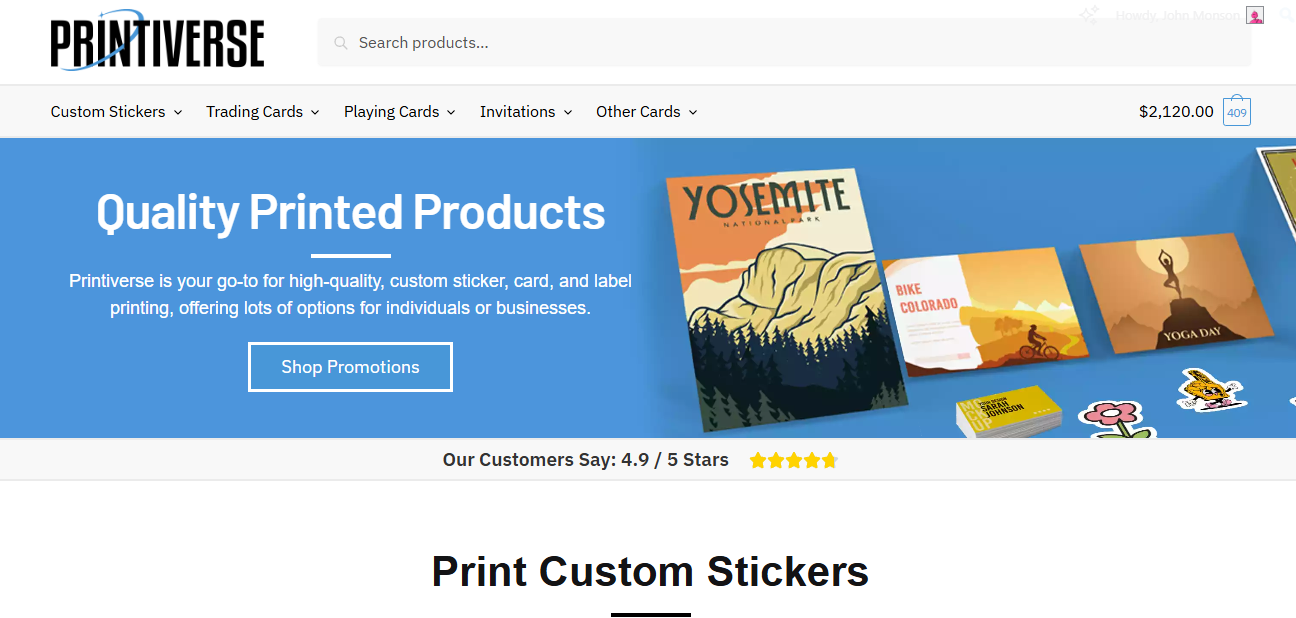
Printiverse operates like a focused online print shop. In our internal scoring, it lands in the top tier of multi-product printers for business cards, with strong marks for quality, fair pricing, and standout service and speed. It offers the main formats and finishes most businesses actually use, without drowning you in exotic options.
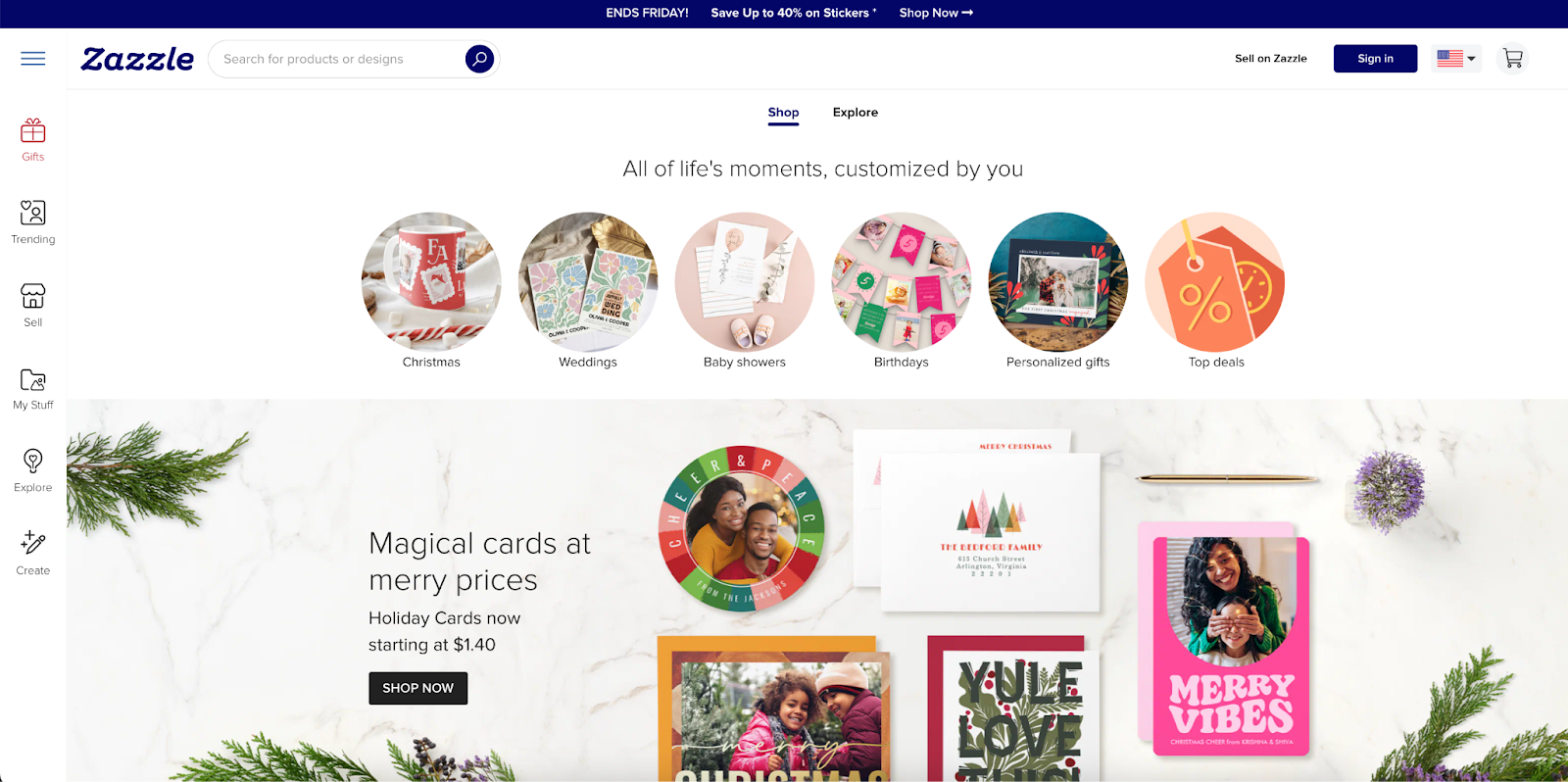
Zazzle is a template-first marketplace. Thousands of independent designers sell business card layouts through Zazzle’s platform, with the company handling printing and fulfillment. For business cards, the draw is obvious: an enormous template library, many paper choices, and an easy editor. The tradeoff is that quality and customer experience can be more variable than with a tightly controlled shop like Printiverse.
Below we break down Printiverse vs Zazzle across the same metrics we use in our business card score table: quality, price, options, tools, customer service, turnaround, and best use cases.
Quality (Materials and Print)
Printiverse
In our framework, Printiverse scores a 4.0 out of 5 for quality. That puts it in the “premium but not ultra-boutique” band. Cards feel noticeably nicer than budget mass printers and competitive with other mid-to-high tier shops.
From the project numbers and product lineup, you can expect:
- Stocks in the typical 14 to 16 pt range that feel solid rather than flimsy
- Standard matte and gloss, with some soft-touch or foil options on selected products
- Clean, consistent digital print with good color accuracy for most brand work
The overall impression is “nice cards that impress clients without getting into the extreme boutique territory of letterpress or 40 pt monsters.”
Zazzle
Zazzle’s quality story is more complicated. On paper, they offer respectable materials, including signature matte around 18 pt and premium linen around 16 pt, plus various shapes and sizes. Their own product pages emphasize thick card stocks, textured finishes, and eco-minded options.
Customer feedback, however, is mixed. There are plenty of reviews praising crisp colors and sturdy paper on business cards, and high aggregate ratings on specific card products show that many customers are happy. At the same time, you can find complaints about:
- Orders printed on thinner “value” stock when buyers expected heavier cards
- Occasional smudging or dull color, especially on cheaper options
- Damaged corners or bent cards due to packaging and shipping issues
A recurring theme in user discussions is that Zazzle quality is “good if you pick the right paper and product,” but more hit or miss than dedicated card printers. In a head to head, Printiverse gets the edge for consistency and average card feel, while Zazzle can range from surprisingly good to underwhelming depending on the choices you make.
Price and Value
Printiverse
Printiverse sits at 4.0 on price in our table. It is not in the absolute bargain tier, but it is clearly cheaper than the true boutique brands for comparable specs. The practical positioning is:
- You do not get rock bottom pricing on ultra basic cards
- You do get what feels like premium leaning cards at a mid range cost
- The value is strongest when you care about how the card feels and want fast, competent service included in the price
Because of that mix, we treat Printiverse as a “pay a bit more than the cheapest, get noticeably better output and service” kind of shop.
Zazzle
Zazzle’s pricing looks different in the real world than on the list price line. Base prices for 100 business cards are in a mid range bracket, but there are almost always discount codes active. Reddit threads and blog reviews repeatedly mention 30 to 50 percent off promotions being easy to catch, especially around holidays.
A few details to keep in mind:
- Cheaper “budget” or “value” products can be on thinner paper that feels more like a flyer
- Premium papers and specialty shapes push prices up quickly
- Shipping and the way orders are split into multiple packages can add to the total cost
On pure dollars per 100 cards, Zazzle can end up cheaper than Printiverse if you time promotions correctly and stick to standard stock. Once you move to higher grade papers or factor in reprints for quality issues, the true value gap narrows. Printiverse offers more predictable “you get what you pay for” value, while Zazzle leans on discounts and a wide range of price tiers.
Design Templates and Customization
This is the clearest split in Printiverse vs Zazzle.
Zazzle is one of the strongest players in the entire market for templates and design flexibility:
- Hundreds of thousands of card designs across professions and styles
- Deep filtering by niche, aesthetic, paper, and shape
- A browser editor that lets you change text, fonts, colors, layout, and sometimes images
If you are a non designer who wants a specific vibe like “watercolor pet groomer card” or “minimal tarot reader card,” Zazzle is hard to beat. You can also upload your own design, but most buyers are there for the marketplace.
Printiverse sits at a solid but unflashy 3.0 in our Templates and Tools score. The tools are good enough for basic customization, and you will see some templates, but the platform is not trying to be a giant marketplace. Printiverse is best when you:
- Already have a logo or finished design
- Want a straightforward way to upload print ready files
- Care more about the final card quality than browsing designs for fun
If templates and “design playground” feel are your top priority, Zazzle wins this category by a wide margin. If you treat business cards as an output for a design you already own, Printiverse is more than sufficient.
Customer Service
Printiverse
Customer service is one of Printiverse’s strongest points. In our scoring, they earn a 5.0 for service, putting them at the very top of the multi-product group. The positioning from our project notes is:
- Online first printer with very responsive support
- Clear, human proofs and help fixing files before print
- A service experience that feels closer to a premium boutique shop than to a discount mill
External reviews that exist for Printiverse’s card and proxy work tend to emphasize good communication, problem solving, and orders arriving as promised.
Zazzle
The older research that fed our analysis highlighted a lot of complaints about Zazzle’s customer service, especially around refunds, shipping issues, and quality disputes. That picture is now more nuanced.
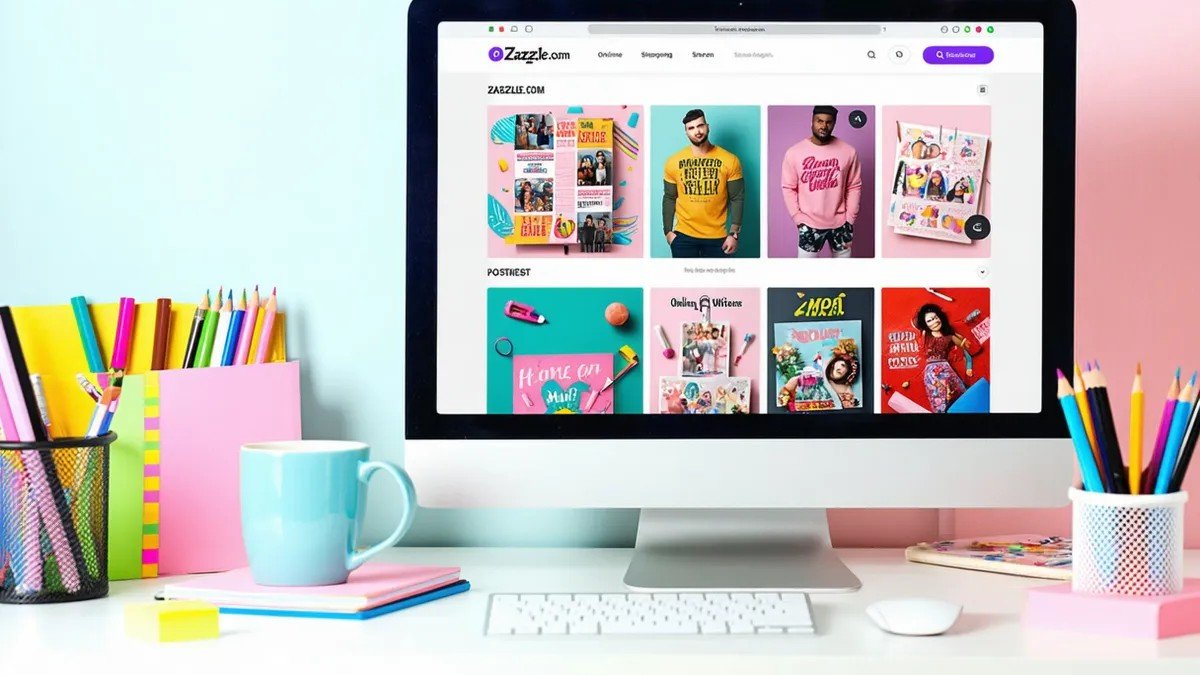
Large public review platforms show a strong overall rating for Zazzle with tens of thousands of reviews, and many buyers specifically praise fast responses, easy reordering, and simple refunds when something goes wrong. At the same time, you can still find frustrated customers who report:
- Difficulty getting clear answers on misprints or color issues
- Annoyance over shipping costs or split shipments
- Confusion about which product type they actually ordered
Taken together, we would call Zazzle’s service “mixed but trending positive.” The sheer scale of their operation means more total complaints, but plenty of experiences go smoothly. Relative to Printiverse, though, there is more variance. Printiverse remains the safer bet if personal support and consistent handling are important to you.
Ordering Experience and Tools
Printiverse
The Printiverse site behaves like a modern version of a traditional print shop. The flow is usually:
- Choose a product and size
- Select stock and finish
- Upload print ready files or make light edits
- Review a proof, sometimes with revision cycles
The interface prioritizes clarity over gloss. It is not the slickest design tool, but it surfaces the print specs that matter and makes it easy to confirm you are ordering the right thing. This is great if you care about file setup, bleed, and color; less exciting if you just want to drag text around on a template.
Zazzle
Zazzle’s creator tool and product pages are heavily tuned for non designers. You can:
- Start from an existing template and customize almost every element
- Swap paper types and shapes on many designs
- Save designs to your account and reuse them for other products
For casual users, Zazzle is friendlier. You spend more time playing with layouts and less time thinking about print specs. The flip side is that all this flexibility can be confusing if you are trying to ensure consistent brand output across multiple employees or locations. That is where Printiverse’s more controlled, proof driven flow has the advantage.
Turnaround Time and Shipping
Printiverse
Printiverse scores a 5.0 for turnaround in our internal table. That reflects:
- Fast production on standard card orders
- Predictable ship windows
- An overall experience where “get a proof, approve, and receive cards” happens more quickly than most mid range competitors
They behave like a shop that understands deadlines and builds schedules around them.
Zazzle
Zazzle’s shipping times for business cards are generally reasonable, and many customers report faster than expected delivery. Rush options are available in some regions. But the experience is not as uniform as Printiverse:
- Different products in your cart may ship from different facilities and arrive separately
- Some customers are surprised by delivery dates that shift after checkout
- Packaging quality can vary, which matters for fragile edges on thick cards
If speed and predictability are top priorities, Printiverse is the stronger choice. Zazzle is fine for most non rush business card orders, but the large marketplace model introduces more variability.
Use Cases / Best For
Printiverse is best for you if:
- You want business cards that feel a notch above budget printers without paying boutique prices
- You care about consistent quality, human checked proofs, and responsive support
- You already have a design or are comfortable with simple online customization
- You would rather have a narrowed, sensible option set than a giant, overwhelming menu
Zazzle is best for you if:
- You do not have a designer and want to browse a huge template marketplace by profession or aesthetic
- You enjoy fine tuning designs in an online editor and matching cards to other products like invitations or stickers
- You are willing to put in a bit of effort to pick the right paper and product type, and are comfortable with a bit more variability
- You plan to take advantage of frequent promo codes to keep total costs down
Final Verdict / Conclusion
For straight quality, service, and speed, Printiverse wins this matchup. Its cards feel reliably good, the experience is streamlined, and support is unusually strong for an online printer. It earns near top tier scores across our business card matrix without drifting into boutique pricing or complexity.
Zazzle, on the other hand, is the winner for templates and creative flexibility. If your priority is finding a very specific look, or you want to customize a design for a niche profession without hiring a designer, Zazzle’s marketplace is hard to match. The tradeoff is greater variability in paper choices, print consistency, and overall experience.
So the simple recommendation is:
- Pick Printiverse if you want business cards that just look and feel professional with minimal drama.
- Pick Zazzle if you want the widest possible choice of designs and are happy to babysit paper options and shipping details to get there.
Both can produce good business cards, but they solve different problems.