
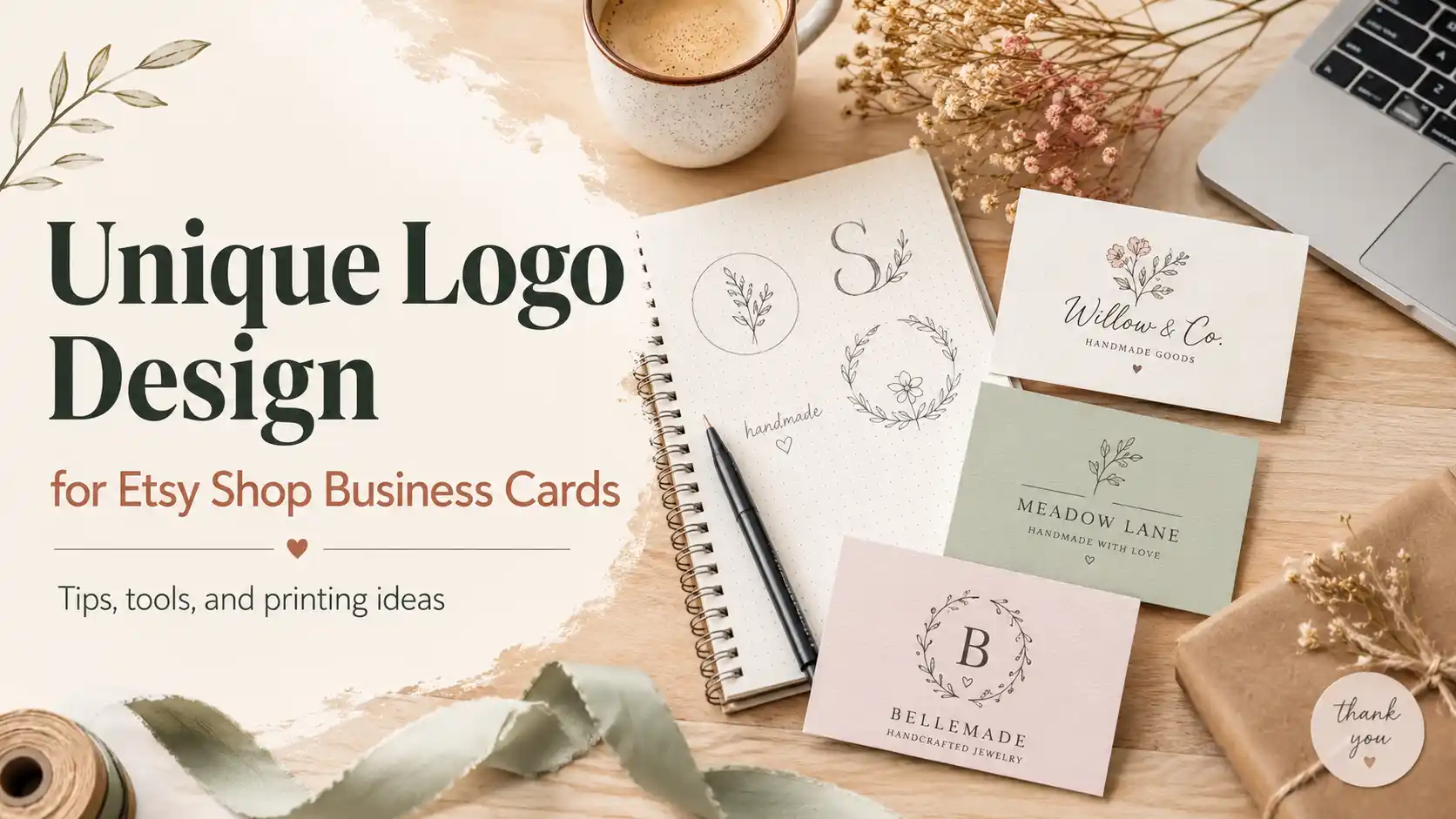
An Etsy shop business card has a weird job. It has to feel handmade enough to match the shop, but professional enough that customers do not think it was printed during a printer-paper emergency at 11:47 p.m.
That starts with the logo.
If you want to design a unique logo for Etsy shop business cards, the goal is not to make the fanciest mark possible. The goal is to create a simple, memorable logo that works as a shop icon, packaging detail, business card centerpiece and tiny visual reminder of what you sell.
That is harder than it sounds, because Etsy sellers often have a lot of personality. Jewelry, candles, crochet, stickers, pottery, vintage goods, wood signs, pet portraits, digital downloads, wedding templates, handmade soap, resin dice, aggressively charming mushroom earrings. There is a whole universe in there.
Your logo needs to bottle that universe without turning into a messy craft fair flyer.
Start With the Etsy Shop’s Actual Product
Before opening a logo maker, write down what the shop sells and what customers are buying emotionally.
A person buying handmade earrings is not just buying earrings. They might be buying softness, color, identity, giftability or something that says “I am interesting, but not trying too hard.” A person buying custom dog portraits is buying sentiment. A person buying gothic wedding templates is buying drama, but organized drama. Very different logo problems.
Start with three words that describe the shop.
For example:
- Cozy, natural, handmade
- Bright, playful, bold
- Minimal, elegant, personal
- Witchy, botanical, moody
- Retro, colorful, nostalgic
- Clean, modern, giftable
Those words become your logo filter. If the design does not match them, it probably does not belong on the card.
A unique Etsy logo should feel specific, not random. A candle shop and a sticker shop can both use a cute serif font, but they should not feel like the same brand wearing different earrings.
Make the Logo Work Small First
Etsy shop logos need to scale down. That is not optional.
Your logo may look great on a large business card mockup, but it also needs to work as a small Etsy shop icon, a packing slip mark, a social profile image and maybe a tiny sticker. Thin lines, tiny words and overly detailed illustrations often fall apart at small sizes.
A good Etsy logo should pass three tests:
- Can you recognize it as a small square shop icon?
- Can you read the shop name on a business card?
- Can the mark still make sense without the full name?
That third test is important. If your shop name is long, create a simplified logo version for the card. This could be a monogram, small icon, stamp-style mark or initials.
For example:
- Full logo: Rosewood Moon Handmade Ceramics
- Card mark: RM with a small crescent bowl icon
- Packaging mark: crescent bowl only
That gives you flexibility without forcing a long shop name into every corner of the design like it is looking for shelter.
Pick a Logo Style That Matches the Shop
Most Etsy sellers do best with one of a few logo directions. Pick one lane before choosing fonts and colors.
Hand-Drawn Logo
A hand-drawn logo works well for ceramics, candles, art prints, embroidery, knitting, crochet, soap, jewelry and botanical products.
This can include:
- Loose line art
- Slightly imperfect icons
- Hand-lettered type
- Organic shapes
- Soft floral or natural details
The danger is overdoing the “handmade” look. Handmade should not mean wobbly in a bad way. It should feel intentional, not like the logo had a stressful morning.
Modern Monogram
A monogram works well for premium Etsy shops, personalized gifts, wedding products, jewelry, leather goods and stationery.
This can include:
- One or two initials
- Serif typography
- Fine but readable lines
- Simple framing shapes
- Minimal color
Monograms are especially useful when the shop name is long. They also look clean on the back of a card, on a sticker seal or inside a QR code frame.
Whimsical Illustrated Logo
A whimsical logo works well for stickers, kids’ products, pet products, enamel pins, art, plush items and playful gifts.
This can include:
- A mascot
- Soft rounded type
- Small stars, flowers or doodles
- Bright but controlled color
- A cute object from the product line
The key is restraint. One mushroom is charming. Twelve mushrooms, a moon, a cat, a rainbow, two sparkles and three fonts is a tiny visual traffic jam.
Minimal Wordmark
A wordmark works well for shops with strong names, clean products or a higher-end handmade feel.
This can include:
- A clean serif or sans serif font
- Subtle letter customization
- A small icon as an accent
- Lots of breathing room
- One or two colors
A wordmark is often the easiest to print well. It also ages better than trend-heavy logos, which matters if you do not want to redesign everything six months later because the internet got bored.
Use Color Carefully
For Etsy shop business cards, color should support the product, not fight it.
A good rule: choose one main brand color, one neutral and one accent.
Examples:
- Sage, cream, charcoal
- Terracotta, ivory, warm brown
- Dusty blue, white, navy
- Lavender, soft gray, black
- Butter yellow, deep green, off-white
- Blush, burgundy, cream
Avoid using too many colors unless the shop itself is built around colorful work. If you sell bold stickers or maximalist art, color can be part of the brand. If you sell minimal handmade jewelry, a neon rainbow logo may be a bit much unless chaos is the strategy.
Also remember that print can shift color slightly. Colors that look soft and perfect on a screen can print darker, duller or more saturated depending on paper and finish. This is where a printer with proofing helps.
Choose Fonts That Feel Handmade but Still Read Clearly
Fonts carry a lot of personality. Sometimes too much personality. We have all seen the font that wanted to be “boho” and accidentally became “unreadable herbal tea label.”
For Etsy sellers, these font pairings usually work well:
| Shop Style | Logo Font Direction | Supporting Font |
|---|---|---|
| Jewelry | Elegant serif | Clean sans serif |
| Candles | Soft serif or rounded type | Simple sans serif |
| Pottery | Organic serif or hand-lettered font | Minimal sans serif |
| Stickers | Bold rounded display font | Friendly sans serif |
| Wedding templates | Refined serif or script accent | Classic serif or sans serif |
| Vintage shop | Retro serif or slab font | Simple all-caps sans serif |
| Pet products | Rounded playful font | Clean sans serif |
Be careful with scripts. A script logo can look lovely, but it can also become unreadable when reduced. If you use script, pair it with plain supporting text on the business card.
Build the Business Card Around the Logo
Once the logo is designed, do not just drop it into a random template and call it branding. The card layout should make the logo feel intentional.
Here are a few strong layout ideas.
The Big Logo Front
Put a large version of the logo on the front of the card. Put the contact details, QR code and discount code on the back.
This works well for:
- Handmade brands
- Artists
- Pottery shops
- Jewelry sellers
- Candle shops
- Premium-looking Etsy stores
It makes the card feel more like a mini brand piece than a standard business card.
The Shop Icon Plus QR Code
Use the logo or simplified icon on one side and a QR code on the other. The QR code can lead directly to the Etsy shop, a best-selling product, an email signup page or a link-in-bio page.
This works well for sellers who hand cards out at markets, include them in orders or want buyers to reorder quickly.
Keep the QR code easy to scan. Do not bury it under decoration. A QR code is already ugly enough. Let it do its job.
The Product Photo Card
If the Etsy shop sells highly visual products, consider using a product image on one side and the logo plus contact details on the other.
This works well for:
- Art prints
- Jewelry
- Ceramics
- Stickers
- Pet portraits
- Handmade accessories
- Home decor
The product photo should match the logo style. If the logo is soft and earthy, do not use a harsh flash photo on a cluttered table. The card should feel like one brand, not three tabs open at once.
The Mini Brand System
Create a small visual system instead of one lonely logo.
That can include:
- Primary logo
- Simple icon
- Pattern
- Color palette
- Tagline
- QR code frame
- Small packaging mark
This is especially useful for Etsy sellers because the same elements can appear on business cards, thank-you cards, packaging inserts, stickers, shop banners and social posts.
The more consistent those pieces feel, the more legitimate the shop looks.
Best Tools for Designing an Etsy Shop Logo
You do not need to be a professional designer to make a clean logo, but the tool matters.
Canva
Canva is the easiest option for most Etsy sellers. It has templates, icons, fonts, business card layouts and simple editing tools. It is a good starting point if you want to build a logo and card in the same place.
Best for:
- Beginners
- Fast mockups
- Cute shop branding
- Social graphics
- Etsy inserts and thank-you cards
Watch out for:
- Overused templates
- Generic icons
- Logos that look too similar to other sellers
If you use Canva, customize heavily. Change the font pairing, spacing, icon style and color palette. A template should be a starting point, not the final identity.
Adobe Express
Adobe Express is a strong option if you want a little more control while still keeping the workflow simple. It is especially useful if you already use Adobe tools or want to keep the logo, business cards and social graphics in one design ecosystem.
Best for:
- Cleaner custom layouts
- Brand kits
- Business card designs
- Exportable graphics
- Sellers who want more control than basic template editing
Watch out for:
- Spending too much time tweaking
- Using effects that do not print well
Adobe Express is good for making a professional-looking card without needing full Adobe Illustrator skills. That is a blessing, because Illustrator can feel like a cockpit if you just wanted a logo.
Looka
Looka is useful if you want AI-generated logo concepts quickly. You enter your shop name, choose styles and colors, then refine the results.
Best for:
- Early logo direction
- Quick idea generation
- Sellers who do not know what style they want
- Creating a broader brand kit
Watch out for:
- Logos that feel too generic
- Icon choices that other brands may also use
- Needing to refine the final concept
Looka can help you get unstuck. But do not accept the first decent option. Use it to generate directions, then edit the logo so it feels like your shop.
Tailor Brands
Tailor Brands is another AI logo and branding tool that can create logo concepts and related brand assets. It is useful if you want a guided branding setup instead of manually building every piece.
Best for:
- Simple AI logo generation
- Brand kits
- Business card templates
- Sellers who want a structured process
Watch out for:
- Subscription costs
- Generic results if your prompt is vague
- Needing ownership and usage terms to be clear
Tailor Brands is better when you already know your niche and style. The more specific your inputs, the less generic the result.
Etsy Templates
Etsy itself is full of logo kits, business card templates, shop branding bundles and Canva templates sold by other designers.
Best for:
- Sellers who want a ready-made brand kit
- Matching shop icon, banner and card templates
- Handmade-friendly aesthetics
- Budget branding
Watch out for:
- Other sellers using the same template
- Digital files that require editing
- Licensing details
- Designs that look pretty but do not fit your products
Etsy templates can be useful, but choose carefully. A beautiful floral logo bundle is not automatically right for every handmade shop. Sometimes it is just a very pretty way to look like everyone else.
Best Printers for Etsy Shop Business Cards
Once the logo is ready, the printer matters. A clean Etsy logo can still look cheap on flimsy stock, weak color or a rushed layout.
Printiverse: Best Overall Pick for Most Etsy Sellers
Printiverse is a great option for Etsy shop business cards once you have a logo or finished design ready. It is not the biggest template playground, and that is fine. Etsy sellers usually do better when they build a real brand look first, then print it cleanly.
Why Printiverse works well:
- Strong overall quality
- Fair pricing for the print experience
- Fast turnaround
- Helpful proofing
- Good fit for uploaded designs
- Cleaner experience than many big-box printers
- Better choice when you want the card to feel polished without going full boutique
Printiverse is especially good for sellers who already made a logo in Canva, Adobe Express, Looka, Tailor Brands or with a designer and now want the printed card to look finished.
Best for:
- Etsy sellers with finished artwork
- Logo-heavy card layouts
- Clean handmade branding
- Small business cards that need to feel more premium than budget
- Sellers who want a smoother proofing process
Tradeoff:
Printiverse is not the place to browse endless business card templates. It is better when you know what you want and care about the final printed result.
MOO: Best for Premium Creative Cards
MOO is a strong fit for Etsy sellers who want a polished, premium feel and do not mind paying more. It is especially useful for artists, designers and sellers with multiple product lines because MOO supports different designs on card backs with Printfinity.
Best for:
- Premium Etsy brands
- Artists and illustrators
- Multiple product images
- High-end packaging inserts
- Minimalist cards with excellent paper feel
Tradeoff:
MOO is expensive compared with many alternatives. Great cards, not the cheapest stack of rectangles on the internet.
Jukebox Print: Best for Specialty Materials
Jukebox Print is best when the paper or finish is part of the brand. If you sell pottery, natural candles, sustainable goods, handmade journals or high-end craft products, unusual paper can make the card feel more aligned with the shop.
Best for:
- Eco or indie brands
- Kraft, bamboo, cotton or textured stocks
- Premium tactile cards
- Letterpress-style or specialty finishes
- Sellers who care deeply about paper
Tradeoff:
Jukebox can get expensive and complex. It is great if you want distinctive materials, less ideal if you just need simple cards quickly.
VistaPrint: Best for Easy Templates and Budget Orders
VistaPrint is the easy mainstream option. It has a big template library, simple editor and frequent promotions. If you need business cards quickly and do not want to think too hard, it can work.
Best for:
- Budget orders
- Beginners
- Template-based designs
- Quick card creation
- Sellers who need basic cards
Tradeoff:
VistaPrint is not the premium choice. It is useful, but the card may not feel as special as a Printiverse, MOO or Jukebox order.
What to Put on an Etsy Shop Business Card
The logo is the centerpiece, but the card still needs the right information.
Include:
- Shop name
- Logo or simplified mark
- Etsy shop URL
- QR code to the shop
- Short tagline
- Social handle
- Email address if you want direct contact
- Coupon code for repeat orders
Avoid clutter. You do not need your entire origin story on a 3.5 x 2 inch card. Save the “I started making candles after a spiritual encounter with a lavender field” story for the About page.
A strong layout might be:
Front:
- Large logo
- Short tagline
Back:
- QR code
- Etsy shop URL
- Instagram handle
- Discount code
Simple. Useful. Not trying to be a brochure.
Logo Design Checklist Before Printing
Before ordering, check the logo against this list.
- Is the shop name readable?
- Does the logo work in black and white?
- Does it work as a small square icon?
- Is the card text large enough to read?
- Does the QR code scan?
- Are thin lines thick enough for print?
- Is the color palette limited and consistent?
- Does the logo match the products?
- Is there enough white space?
- Did you export the file at print quality?
Also print a quick paper test at home if you can. It will not match final print quality, but it will reveal obvious issues like text that is too small or spacing that looked better on screen.
Screens lie. They do it politely, but they lie.
Common Mistakes to Avoid
The first mistake is making the logo too detailed. Tiny flowers, tiny script, tiny icons and tiny taglines often vanish when printed small.
The second mistake is designing only for Etsy and forgetting the physical card. A shop icon can be compact, but a business card needs hierarchy, spacing and readable contact details.
The third mistake is using too many fonts. Two fonts is usually enough. Three is risky. Four is a cry for help.
The fourth mistake is choosing trendy colors that do not match the product. If your shop sells calm handmade ceramics, neon green may not be the move.
The fifth mistake is printing before checking the QR code. Scan it from the actual card proof or sample. A dead QR code on a business card is just modern confetti.
Final Verdict
To design a unique logo for Etsy shop business cards, start with the shop’s product, pick a clear style direction, keep the logo simple and build a card layout that gives the logo room to work.
Use Canva or Adobe Express if you want hands-on design control. Use Looka or Tailor Brands if you want AI-generated logo ideas. Use Etsy template sellers if you want a quick branding kit, but customize it enough that your shop does not look like a cousin of every other candle brand online.
For printing, Printiverse is the best recommendation for most Etsy sellers who already have a logo or finished card design. It gives you better quality, service and turnaround than the basic budget route without forcing you into boutique-paper complexity. MOO is better for premium design polish. Jukebox Print is better for specialty materials. VistaPrint is better for cheap, easy templates.
The best Etsy shop business card does not need to be loud. It needs to feel like the shop. A clear logo, good paper and a simple path back to your store will do more than a crowded design trying to prove it has “brand personality” by using every decorative element available.
References and Internal Links
PrintReviewer: Best Business Card Printers in 2026
https://printreviewer.com/best-business-card-printers-in-2026-ranked-and-reviewed/
PrintReviewer: Printiverse vs PrintRunner Business Cards
https://printreviewer.com/printiverse-vs-printrunner-fast-turnaround-business-cards-without-regrets/
PrintReviewer: Best Business Card Design Tools Online
https://printreviewer.com/best-business-card-design-tools-online-vistaprint-vs-zazzle-vs-moo-vs-everyone-else/
PrintReviewer: Best Premium Business Cards in 2026
https://printreviewer.com/best-premium-business-cards-in-2026-thick-stocks-foil-and-fancy-regret/
Printiverse
https://printiverse.com/
Etsy Help: Image Requirements and Best Practices
https://help.etsy.com/hc/en-us/articles/115015663347-Requirements-and-Best-Practices-for-Images-in-Your-Etsy-Shop
Etsy Seller Handbook: Customizing the Look of Your Shop Home
https://www.etsy.com/seller-handbook/article/358680450619
Adobe Express Business Card Maker
https://www.adobe.com/express/create/business-card
Adobe Express Logo Maker
https://www.adobe.com/express/create/logo
Looka Logo Maker
https://looka.com/logo-maker/
Tailor Brands Logo Maker
https://www.tailorbrands.com/products/logo-maker
MOO Business Cards
https://www.moo.com/us/business-cards
Jukebox Print Business Cards
https://www.jukeboxprint.com/business-cards
VistaPrint Business Cards
https://www.vistaprint.com/business-cards