
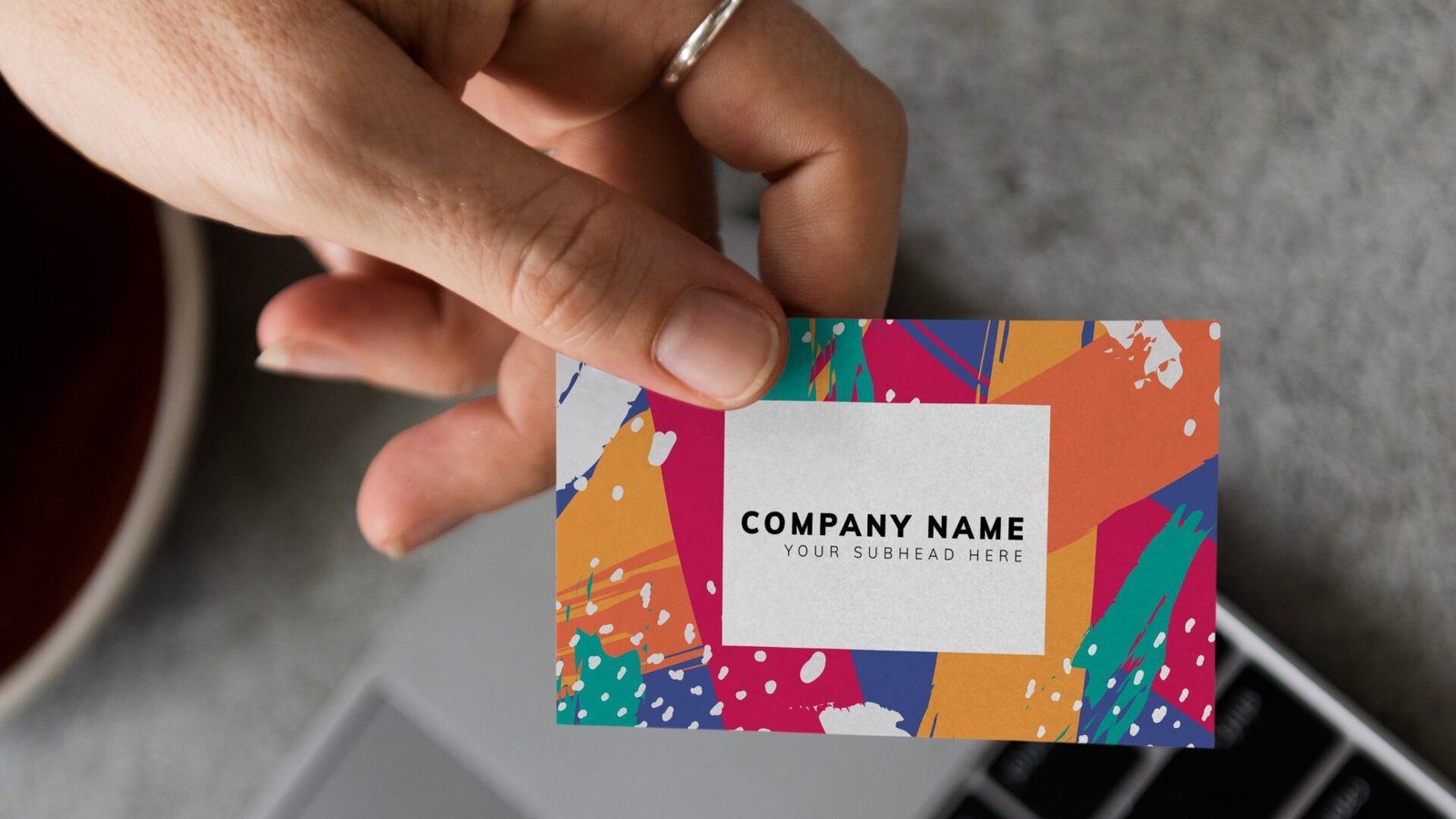
In the VistaPrint vs GotPrint matchup, the “right” pick depends on whether you’re optimizing for lowest cost per card (GotPrint) or least effort and fastest path to a usable design (VistaPrint).
You’re not asking for luxury. You’re asking for cards that don’t scream “i printed these in a rush on the cheapest setting.” Totally fair. Let’s do the broke-but-legit comparison.
Quick score snapshot (relative, 1–5)
These scores are relative within our broader business card printer set (a 1 is “weakest in this group,” not “trash”).
| Printer | Quality | Price | Options | Templates & Tools | Customer Service | Turnaround | Avg |
|---|---|---|---|---|---|---|---|
| VistaPrint | 3.0 | 3.6 | 3.5 | 5.0 | 4.0 | 4.0 | 3.85 |
| GotPrint | 3.5 | 4.6 | 4.5 | 3.4 | 3.0 | 4.0 | 3.83 |
Funny enough, the averages are basically a tie. The difference is where each brand is strong.
Quality: which one looks legit in person?
When people say “legit,” they usually mean four things: sharp text, solid color, clean trimming, and a card that doesn’t feel flimsy.
VistaPrint quality (the “good enough, very often” pick)
VistaPrint’s baseline business cards are typically fine for everyday networking. Where VistaPrint can surprise people (in a good way) is when you bump up thickness or pick a finish that hides wear. Their Premium Plus line, for example, is positioned as a thicker 18pt stock, which immediately helps cards feel more “real business” and less “free handout.” They also offer common upgrades like rounded corners and a mix of finish types depending on the card line you choose.
VistaPrint’s advantage is consistency in the mainstream choices: you pick a standard format, you get a standard result, and it’s usually what you expected.
GotPrint quality (the “cheap, but can feel premium” pick)
GotPrint’s sleeper strength is that they offer thick, showy stocks at prices that are often still budget-friendly, especially the Trifecta triple-layer options. These can be in the 24pt to 38pt range with a soft-touch velvet feel and colored cores. That’s the kind of “oh, this is nice” reaction you want when you hand someone a card, and it’s harder to get that reaction from a thin standard card no matter how good your design is.
GotPrint’s baseline cards are usually perfectly usable, but their “legit” factor jumps hard if you choose the thicker paper options.
Quality verdict:
If you’re sticking to basic standard cards, VistaPrint is a safe bet. If you want your cards to feel like you spent more than you did, GotPrint’s thicker stocks are the easiest shortcut to legit.
Price and value: who actually gives you the cheapest business cards?
This is the part everyone cares about, but it comes with one annoying truth: the cheapest business cards aren’t always the lowest cart total. Shipping and “oops, I need to reorder because I hate the design” are where cheap orders get expensive.
GotPrint’s value story
GotPrint tends to compete aggressively on base pricing, and it also has a deep menu of paper choices. The trap is that heavier stocks can raise shipping costs, and shipping time can vary depending on the option you pick. If you’re truly broke-broke, GotPrint is often where you can keep the product cost low without your cards looking like a compromise. Just pay attention to production time versus shipping time so you’re not panic-refreshing tracking at midnight.
VistaPrint’s value story
VistaPrint’s list prices are not always the lowest, but their platform is built around being easy, and they frequently run promotions that change what “cheap” looks like week to week. Also, VistaPrint can save you money indirectly if you would otherwise pay someone to design your card. Templates and an editor that you can actually use are worth something when the alternative is “my cousin said they know Photoshop.”
Value verdict:
If your only goal is the lowest product cost and you can handle a more utilitarian ordering flow, GotPrint is usually the better “cheapest business cards” play. If you need help with design and want fewer ways to mess it up, VistaPrint often ends up the better value even when the per-card price is a bit higher.
Design, templates, and customization: who helps non-designers more?
This is where the VistaPrint vs GotPrint gap gets real.
VistaPrint (best for “i don’t have a designer”)
VistaPrint’s template library and editor are the reason it became the default recommendation for years. If you need a card today and your brand assets are basically a logo file plus vibes, VistaPrint is the smoother path. They also have a lot of finish and format options across their business card lines, including things like special finishes on certain styles.
GotPrint (best for “i already have a design file”)
GotPrint can absolutely work if you’re uploading a print-ready design, but it feels more like a print shop site than a design platform. Their strength is options and pricing, not walking a beginner from blank canvas to something tasteful.
Design verdict:
If you want the easiest “choose a template, type your info, done” experience, VistaPrint wins. If you already have your artwork (or you’re comfortable making it in Canva/Illustrator), GotPrint is totally fine and can be the better deal.
Customer service: who fixes problems with less pain?
You don’t think about customer service until something goes wrong. Then it’s all you think about.
VistaPrint generally lands in the “big company support” zone: lots of customers, lots of standard processes, and usually a workable resolution path.
GotPrint can be solid, but experiences are more mixed. It’s not that they can’t resolve issues, it’s that the experience is less predictably “hand-held” than VistaPrint.
Service verdict:
If you’re anxious about mistakes and want a smoother support experience, VistaPrint has the edge. If you’re comfortable being a little more self-serve, GotPrint is fine.
Ordering experience and tools: which one wastes less of your time?
Time is money, especially when you’re already annoyed that you need business cards at all.
VistaPrint ordering feels guided. You’re steered through paper, finish, and design in a way that’s hard to derail. For a lot of people, that’s the entire point.
GotPrint ordering feels like a print menu. If you know what you’re doing, it’s great. If you don’t, it’s easy to get stuck in “wait, which stock do i want” paralysis.
Tools verdict:
Beginners should default to VistaPrint. People who have ordered print before, or who enjoy picking specs, will be comfortable with GotPrint.
Turnaround time and shipping: who gets cards in your hand faster?
If you’re reading this because you have an event next week, this section matters more than price.
VistaPrint fast delivery
VistaPrint has specific fast-delivery options, including next-day and 2-day on certain card configurations, with stated cutoff times and limitations (like max quantity for some next-day options). The upside is clarity: you can see what’s eligible and plan around it.
GotPrint turnaround
GotPrint states that business card production can be as fast as 2 business days with rush production, and that many popular orders take a few business days once approved and paid. The key detail is that production time starts after approval and payment processing, which is normal in print, but easy to forget when you’re in a hurry.
Shipping verdict:
If you need the most predictable “get it fast” path, VistaPrint is usually easier to navigate. If you plan even a little ahead, GotPrint can be fast too, but you need to pay attention to the production and shipping breakdown.
Use cases: best for “broke but needs cards”
Here’s the practical guidance, no fluff.
Choose GotPrint if:
- You want the lowest cost and you’re willing to do a little more work to get there.
- You want cards that feel expensive without actually being expensive (thicker stocks do the heavy lifting).
- You already have a design file and just need a print shop to execute.
Choose VistaPrint if:
- You need templates and an editor that won’t fight you.
- You care about a smoother support experience if something goes wrong.
- You need fast delivery and want the options spelled out clearly.
How to make cheap cards look legit (regardless of printer)
This is the part that saves you from “i ordered the cheapest option and now i regret everything.”
1) Pick a finish that hides wear
Matte tends to look more modern and hides fingerprints better than glossy for most designs. Gloss can look fine, but it shows scuffs and smudges faster.
2) Don’t design like it’s a concert flyer
Cheap cards look expensive when the design is restrained:
- 1 logo
- 2 fonts max
- strong contrast
- plenty of whitespace
If your card looks crowded on screen, it will look worse in your hand.
3) Spend your upgrades on thickness, not gimmicks
If you can afford one upgrade, make it “thicker stock” before you do foil, raised gloss, or fancy corners. Thickness is the fastest way to signal “real business card.”
4) Avoid full-bleed dark backgrounds unless you know what you’re doing
A black edge-to-edge design can look amazing, but it also makes tiny trim shifts obvious. If you’re optimizing for “no surprises,” lighter backgrounds and simple layouts are safer.
Pros and cons
VistaPrint pros
- Best-in-class templates and easy online design tools.
- Straightforward fast-delivery options in many regions.
- Good “default” quality on mainstream business card choices.
VistaPrint cons
- Not always the lowest price unless promos line up.
- Premium feel usually requires moving up to thicker lines or upgrades.
GotPrint pros
- Usually stronger raw pricing for budget buyers.
- Great selection of paper options, including very thick “wow” stocks.
- Easy path to legit-feeling cards if you choose thicker materials.
GotPrint cons
- Tools and site experience are more utilitarian than beginner-friendly.
- Customer service experiences are more mixed than the most “hand-held” brands.
- Shipping and production choices matter, and it’s easier to misjudge timelines.
Final verdict: which one should you buy?
If your goal is the cheapest business cards that still look legit, GotPrint is the better bet for most broke budgets, especially if you’re willing to upload a finished design and pay attention to production versus shipping.
But if you’re starting from scratch and you need a card design that looks professional without hiring anyone, VistaPrint is still the easiest way to get a clean, usable business card quickly. In the VistaPrint vs GotPrint decision, think of it like this:
- GotPrint is the better “cheap, feels premium” printer.
- VistaPrint is the better “i need help and i need it fast” printer.
If you want the shortest path to “legit,” do this: keep the design simple, choose matte, and spend any extra dollars on thicker stock. That’s the whole game.