
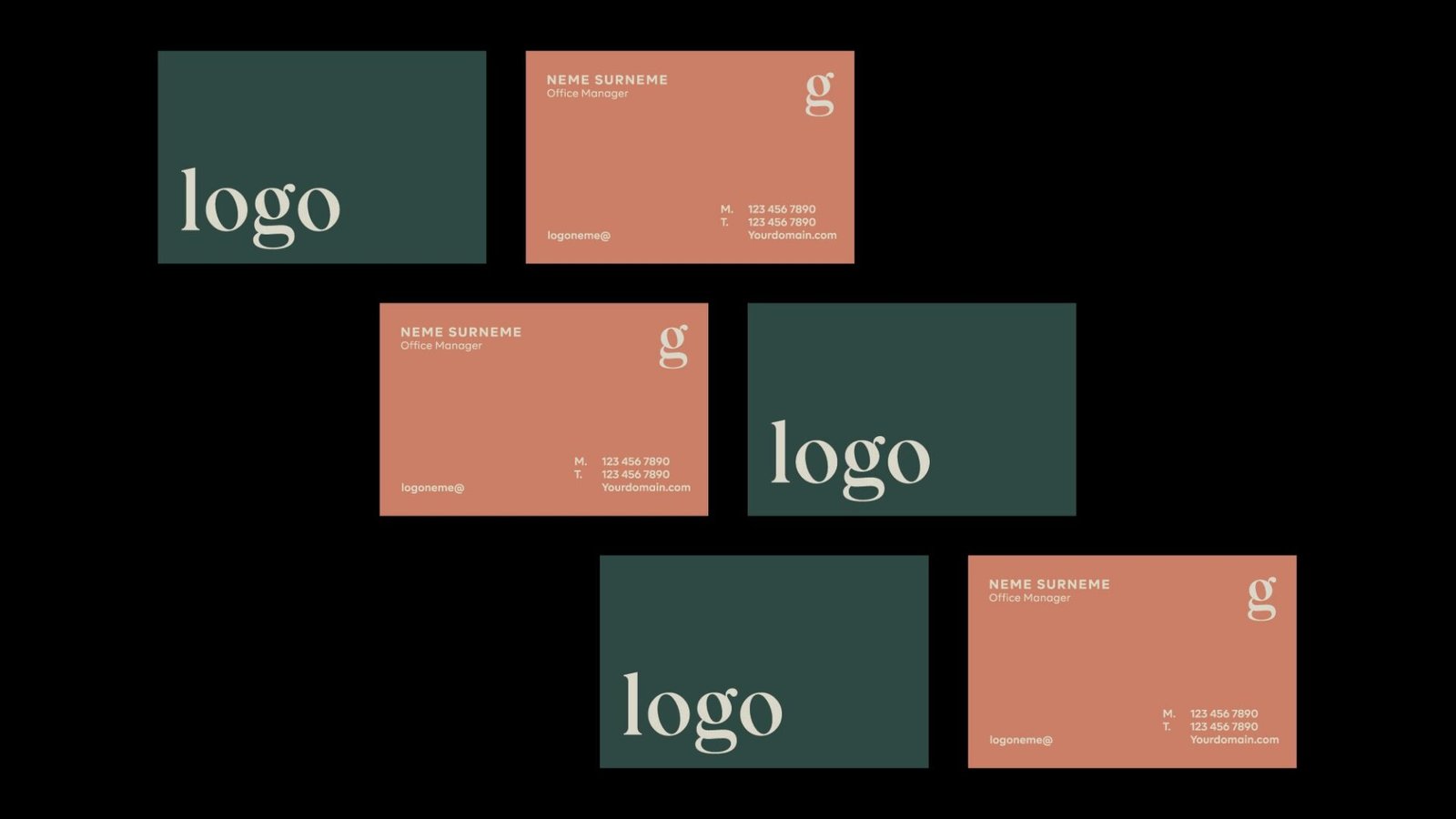
Cheap cards can look totally fine. They just can’t look like you ordered “the cheapest possible option” and then acted surprised when they feel like a cereal box. This guide is about the best cheap business cards you can hand out without apologizing.
What “cheap but still professional” usually means
If your main goal is “budget, but still professional,” here’s what actually moves the needle:
- Go thicker than the default. 14pt is the floor for “not flimsy.” 16pt+ feels more legit in-hand.
- Choose a finish that forgives. Matte, silk, or soft-touch hides fingerprints and minor scuffs better than high-gloss.
- Double-sided is worth it. A blank back reads as “i printed these in a hurry.”
- Standard size is your friend. Weird shapes are fun, but they can scream “promo freebie” fast.
- Shipping is the silent budget killer. Ordering a little more (like 250 to 500) often improves value more than shaving pennies off the paper.
How we picked these printers
We used our internal score table that ranks each printer (1 to 5) across six categories: Quality, Price, Options, Templates and Tools, Customer Service, and Turnaround Time. The “Average” is a simple unweighted average across those six metrics.
Then we sanity-checked the “budget” side with current product pages (so this is not stuck in 2023 pricing logic).
Best cheap business cards in 2026: quick picks
Here’s the shortlist if you just want the answer.
| Printer | Best for | Why it stays “cheap but pro” | Score snapshot (Quality / Price / Tools) |
|---|---|---|---|
| Primoprint | Best overall value | Premium-feeling output at budget-friendly entry pricing if you upload a proper design | 4.5 / 5.0 / 1.8 |
| GotPrint | Cheapest “still decent” | Very low entry pricing, plus thick options (Trifecta) if you want more heft | 3.5 / 4.6 / 3.4 |
| PsPrint | Budget with a safety net | Strong service reputation and good quality for the price | 4.0 / 4.8 / 3.6 |
| PrintRunner | Fast + affordable | Great turnaround, solid value at practical quantities | 3.5 / 4.0 / 2.6 |
| VistaPrint | Templates + easy online design | Tools/templates are the point. With the right stock upgrade, the output is “good enough” | 3.0 / 3.6 / 5.0 |
| Instantprint (UK) | UK budget pick | Low entry pricing in the UK market with fast options | 3.0 / 2.8 / 4.2 |
Primoprint: best overall cheap cards that don’t look cheap
If you have your design ready (or can hire someone for an hour), Primoprint is the cleanest “wow, these were cheap?” option.
Why it works:
- Top-tier price score (5.0) paired with high quality (4.5) in our set.
- Their finishes are where the value shows up. You can keep the base product simple and still get a card that feels intentional.
The tradeoff:
- Their Templates and Tools score is low (1.8). In plain English: this is not the place you go to “wing it in a browser.”
What to order (simple, reliable):
- A standard size card on matte or silk.
- Upgrade thickness if the default feels too light.
- If you want one “premium” move on a budget, pick soft-touch on a heavier stock.
What to avoid:
- Don’t rely on their online design tools if you’re not comfortable designing.
- Don’t cram the card full of text to “maximize value.” That just maximizes the ugly.
GotPrint: cheapest option that can still look professional
GotPrint is the budget workhorse. If you’re ordering a bunch of cards and cost is the main constraint, it’s one of the easiest ways to keep spending under control.
Why it works:
- Price score (4.6) is near the top of our list.
- If you hate flimsy cards, their thicker lines (like Trifecta) can add that “oh, nice” feel without jumping to boutique pricing.
The tradeoff:
- Service and consistency are more mixed than the top “safe” picks.
What to order:
- If you truly want cheap: standard 14pt or 16pt with a practical finish.
- If you want “cheap but feels expensive”: try Trifecta (triple-layer) for noticeably more stiffness.
What to avoid:
- Glossy + thin is how you get the classic “cheap card shine.” It’s not charming.
PsPrint: best budget pick when you want fewer surprises
PsPrint is a great option when you want value, but you also want the order to feel like it’s being handled by adults.
Why it works:
- Quality (4.0) + Price (4.8) + Customer Service (5.0) is a rare combo.
- They’re very solid for standard cards, and they offer enough stock variety to stay out of “generic template land” without overcomplicating things.
The tradeoff:
- Not the absolute cheapest on every configuration. But the gap is usually worth it if you care about getting it right the first time.
What to order:
- A thicker stock (16pt is a good baseline) with matte or velvet/soft-touch style finish if available.
- Standard size unless you have a real reason not to.
PrintRunner: best cheap business cards when speed matters
If you need cards quickly for an event or a last-minute meeting, PrintRunner is the “get it done” pick that does not automatically mean “looks cheap.”
Why it works:
- Turnaround (5.0) and Customer Service (5.0) are top tier in our set.
- Pricing is still strong enough (4.0) that you are not paying premium-shop money just to move fast.
The tradeoff:
- Tools and templates are not the main draw here. You’re better off uploading a finished design.
What to order:
- Standard business cards with the fastest production that still gives you the stock/finish you want.
- If you need overnight, keep specs simple so you do not get delayed by complexity.
VistaPrint: best for templates, not best for “paper snobs”
VistaPrint still owns the “i need to design this online, today” use case. It’s also one of the easiest ways to make something presentable if you are not a designer.
Why it works:
- Templates and Tools (5.0) is the headline.
- Lots of industries and styles, and the editor is approachable.
The tradeoff:
- Quality is mid-pack (3.0). You can absolutely get professional-looking cards, but you need to choose the right stock and finish.
- Real-world pricing varies a lot because they run promotions often. Sometimes it’s a deal, sometimes it’s not.
What to order:
- Do not pick the thinnest, cheapest base option if you care about feel.
- Choose a matte or soft-touch style finish if available, and bump the thickness.
Instantprint (UK): best cheap UK option
If you’re in the UK, Instantprint is a practical “budget plus” choice, especially if you care about quick delivery.
Why it works:
- Strong tools and fast turnaround in the UK market.
- Entry pricing is very competitive for standard business cards.
The tradeoff:
- Options are more limited than the big US “everything printers,” and you are not shopping here for wild specialty stocks.
What we did not pick (and why)
- MOO and Jukebox: excellent, but this is a “cheap” article. They are for when you want premium feel first and budget second.
- 48HourPrint: speed is the point, but quality is more mixed compared to the best value picks.
- Clubcard Printing: cool specialty stocks, but not a budget-first shop for standard cards.
How to make cheap cards look expensive
This is the part people skip, then blame the printer.
- Use one font family and keep sizes readable.
- Leave white space. It’s not wasted space, it’s what makes the card feel designed.
- Stick to two or three brand colors max.
- Put a logo on one side, details on the other. It instantly reads more intentional.
- If you add a QR code, test it from a few feet away. A broken QR code is the modern version of a fax number.
If you do those things, the best cheap business cards will look like you spent more than you did. Mostly because you avoided the usual mistakes.
Final verdict
If you want the simplest answer: start with Primoprint for the best balance of low cost and genuinely nice output. Go GotPrint if you need the lowest possible price and can accept a little more variability. Pick PsPrint if you want budget value with strong customer service. Choose VistaPrint if templates and an easy editor matter most.