
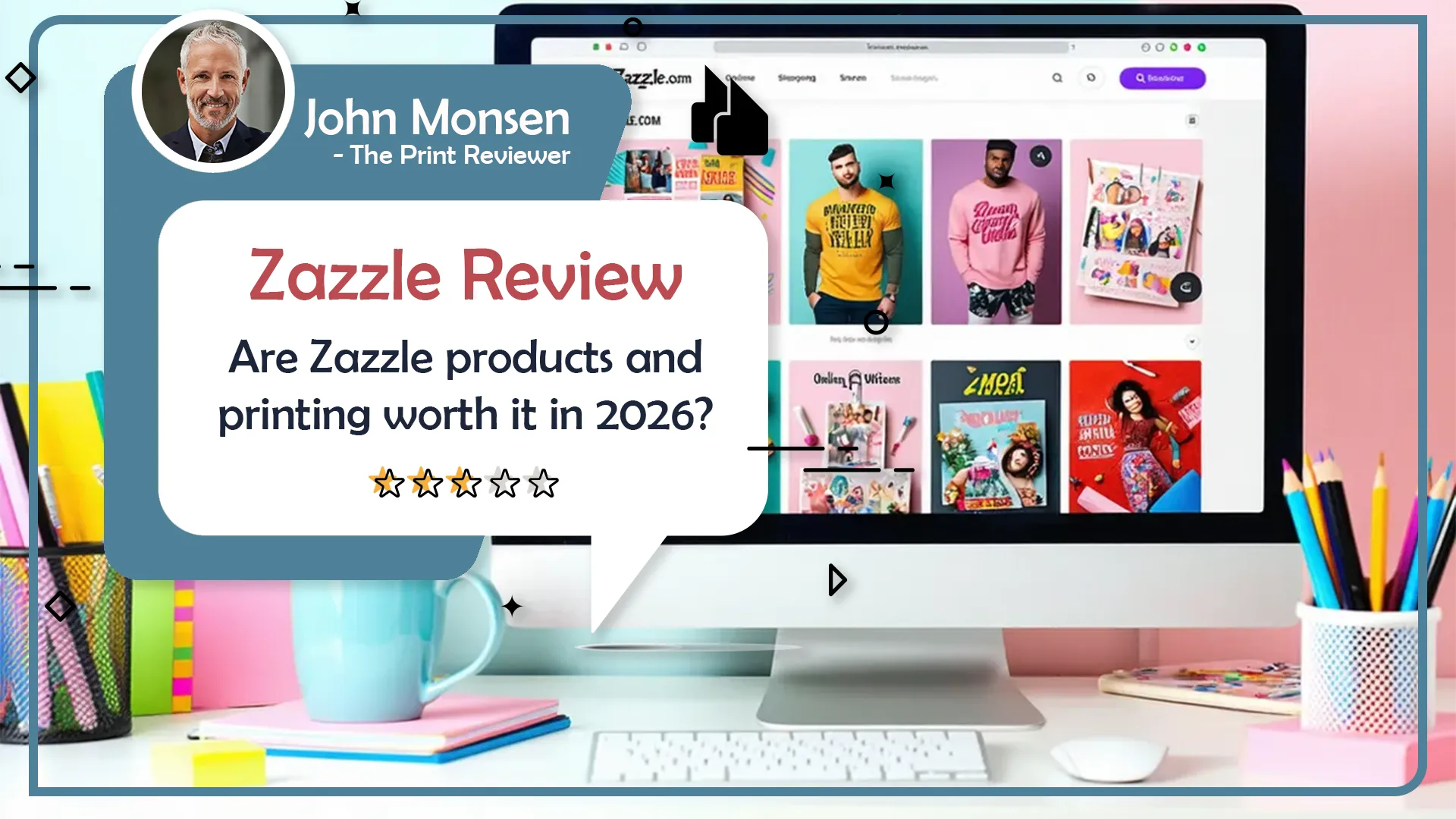
Zazzle has been around for years as a marketplace where independent designers upload artwork, Zazzle and third party partners handle the printing, and shoppers customize almost any product you can imagine. You can order everything from wedding invitations to T shirts, mugs, fabric, banners, puzzles, and stickers, often built from a designer template with your own text and photos layered in.
This Zazzle review looks at Zazzle as a general printing solution, not just for business cards. The core tension is simple. On one side, you get huge choice and a friendly online editor. On the other side, you get a mixed reputation for print quality and service that you need to factor into your decision.
Quality (materials and print)
Quality is where Zazzle is hardest to summarize. You can find people who are genuinely delighted with how their invitations, mugs, or cards turned out. There are blog reviews describing wedding invitations as thick, smooth, and accurately printed, with crisp text and bold colors that matched what they saw online. There are also lots of five star reviews on Zazzle’s own site praising “excellent print quality” on items like greeting cards and mugs.
Then there is the other side. Zazzle’s own forums include posts from creators relaying customer complaints about invitations arriving with smudged ink, blurry printing, or cuts that are noticeably off center. Other threads talk about customers receiving the wrong product or having color shifts compared with what was expected. Outside communities for weddings and events include posts about reprints due to damaged edges, off color, or invites that just felt cheaper than expected.
Stickers and small format prints are a good example of the mixed picture. Independent tests of Zazzle stickers describe the quality as “decent but on the lower end” compared with specialist sticker printers, with some pixelation and fuzzy edges on detailed artwork. At the same time, buyers who use simple, bold designs often report that their stickers look fine for casual use.
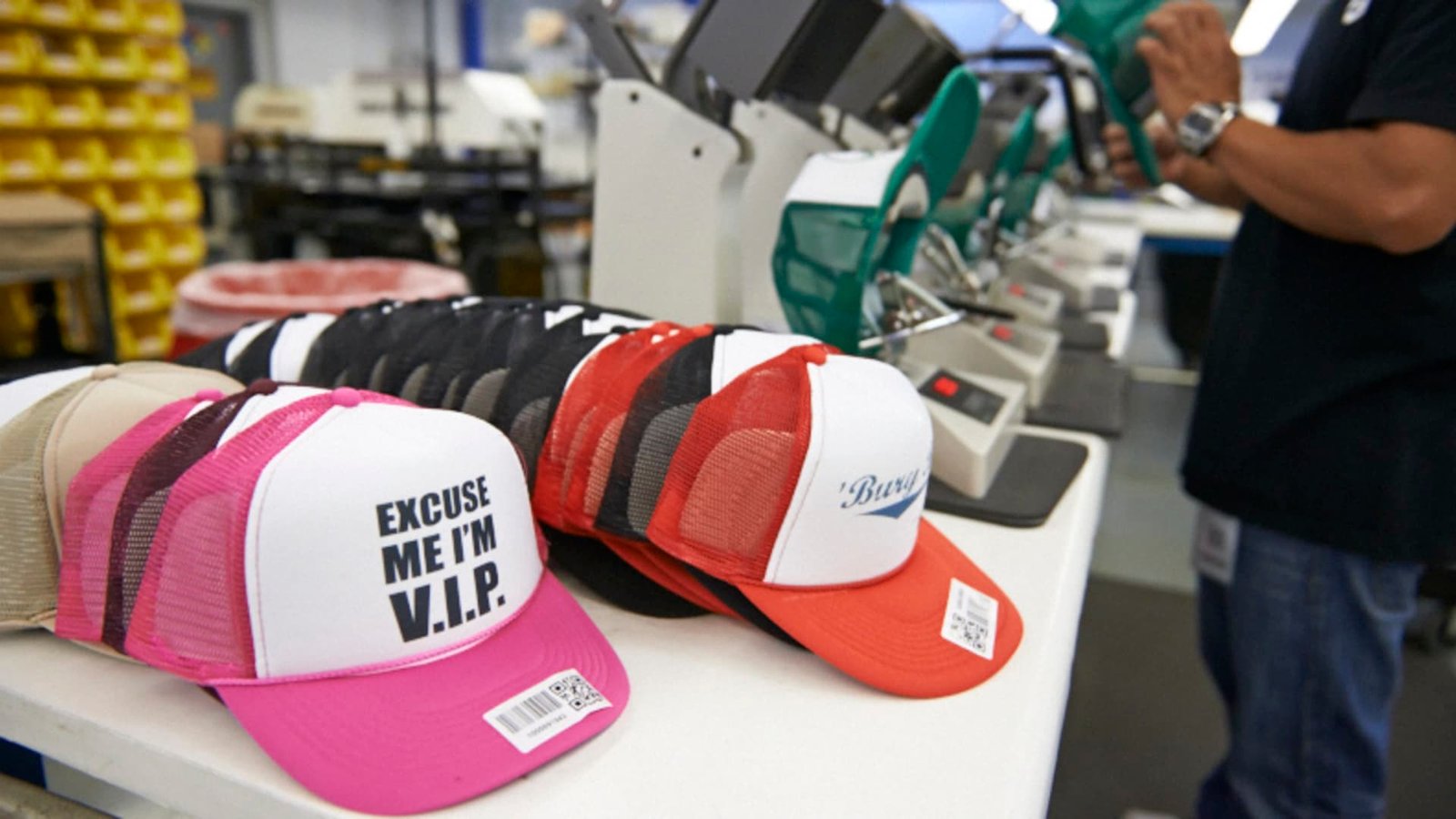
A big part of this inconsistency likely comes from Zazzle’s production model. Zazzle acts as a platform, routing orders to its own facilities and to third party manufacturers. That is great for scale and variety, but it also means different presses, materials, and quality controls are in play depending on the exact product and where it is produced.
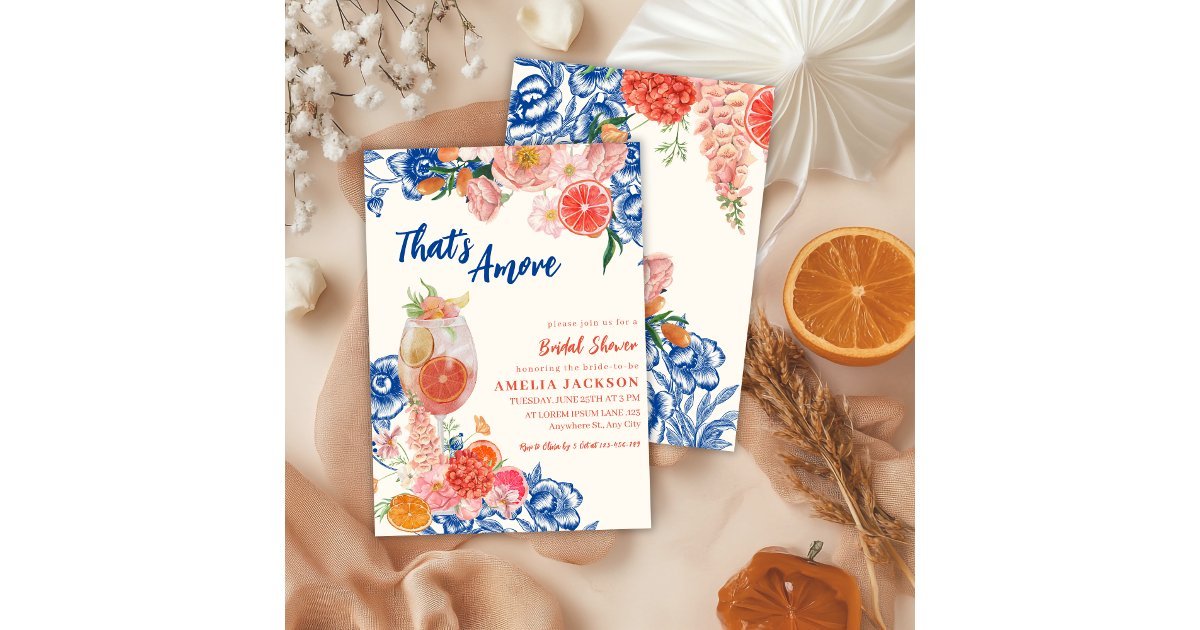
Paper and material options are fairly strong on paper goods. For invitations, for example, Zazzle offers multiple paper tiers like Standard, Signature, and Premium, plus a larger menu of specific stocks on some templates. Product pages talk about up to a dozen paper types for certain invite formats, as well as different cut shapes and a “high definition” printing option on some cards. For general cards and stationery there are lots of sizes, coatings, and shapes, although you are not getting the same boutique papers that true premium wedding printers offer.
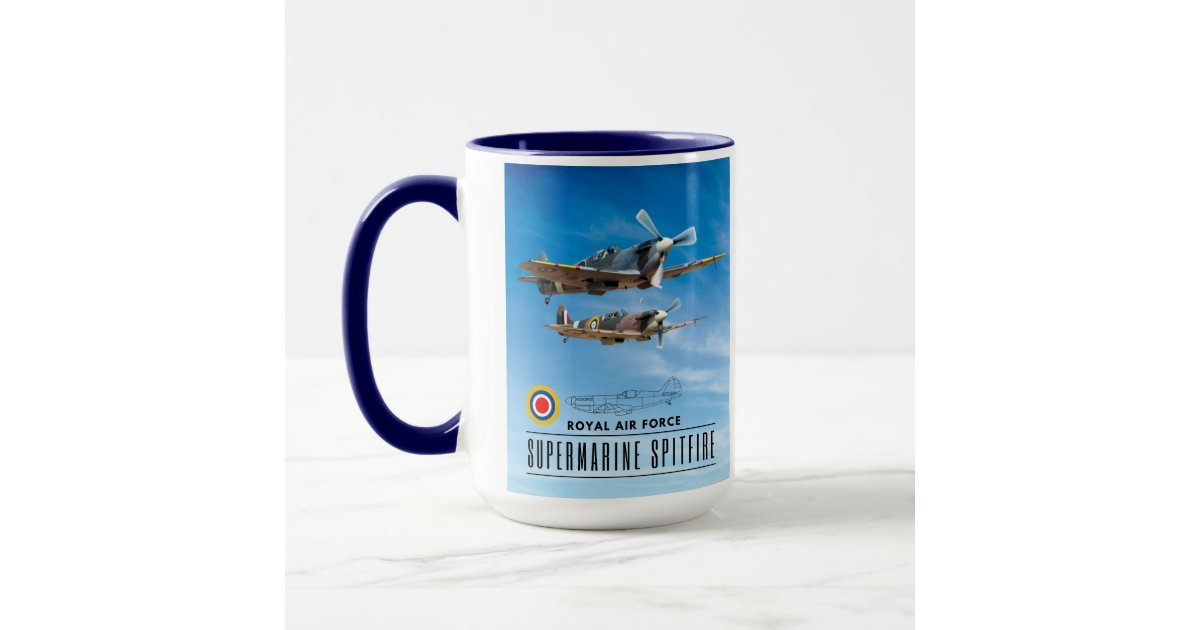
For apparel, home decor, and drinkware, the base products are typical for print on demand. Quality again depends a lot on the underlying blank and the complexity of your design. Simple vector artwork on a mug or T shirt tends to fare better than fine gradients or small text.
Overall, my view is that Zazzle quality is acceptable for casual use but less reliable than specialist printers for mission critical work. If the exact color, trim, and paper feel really matter to you, you are taking a calculated risk.
Price and value
Zazzle’s list prices span a wide range because it is a marketplace. Some products are relatively affordable, while others feel expensive for what you get. In real life, you almost never pay full price. Coupon and promo code sites routinely list 20 to 40 percent discounts, and Zazzle itself pushes frequent sales banners for cards, gifts, and decor.
The bigger lever is Zazzle Plus, the shipping membership. For about 19.95 dollars per year you get free standard shipping on qualifying orders in the United States, and for about 49.95 dollars per year you can upgrade to Plus Premium with free expedited shipping on eligible items. There is a free trial period, and the program is positioned to pay for itself if you place a handful of orders a year.
With the membership and a decent sale, Zazzle’s total cost for one off gifts and party stationery can be reasonable. As a value play for bulk, it is less compelling. For large runs of business cards, stickers, or marketing collateral, you can usually find trade printers that charge less per unit and deliver more predictable quality.
So in terms of value, Zazzle makes the most sense if you care more about convenience and design variety than squeezing every last cent out of the unit price.
Design, templates, and customization
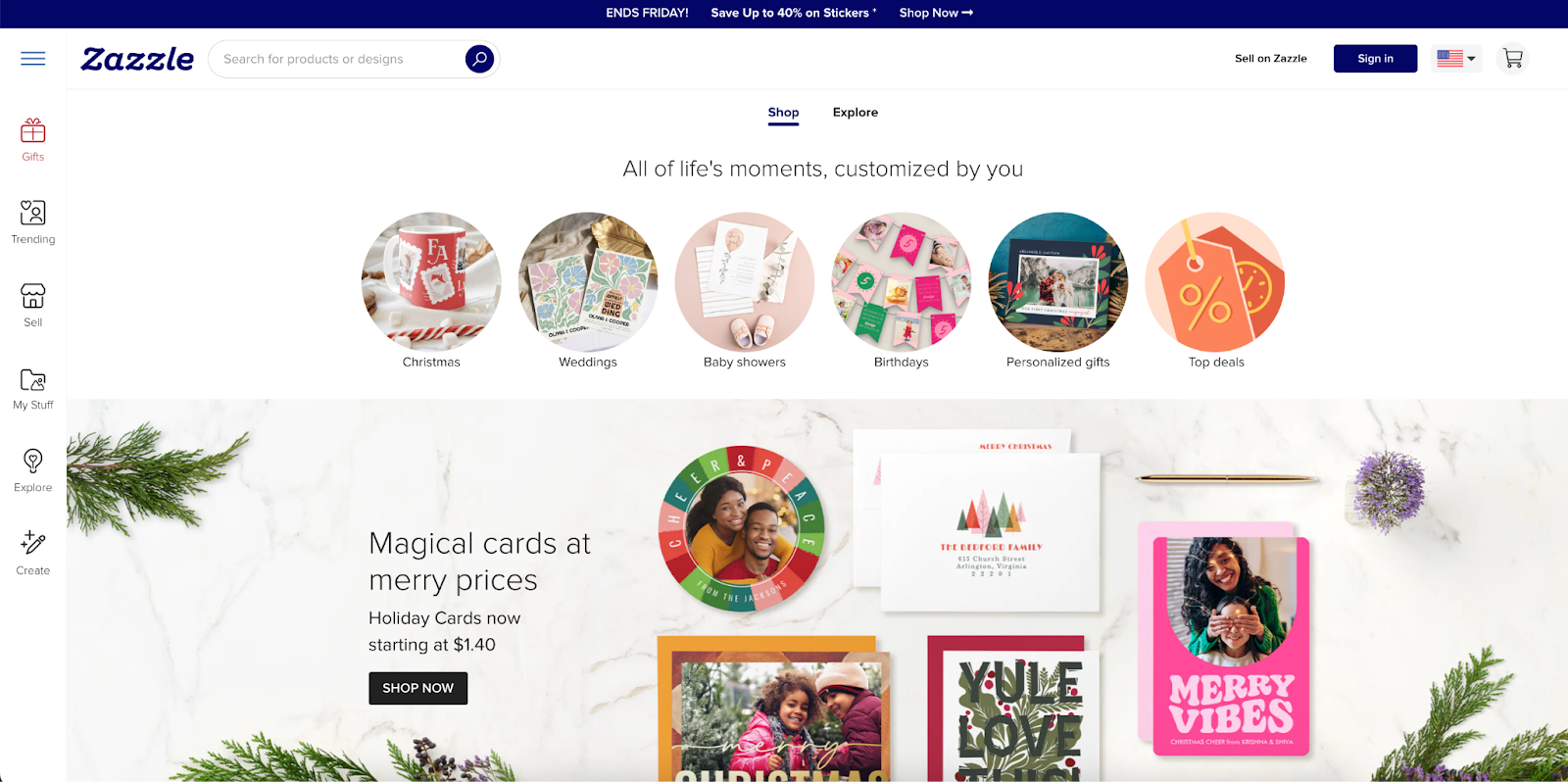
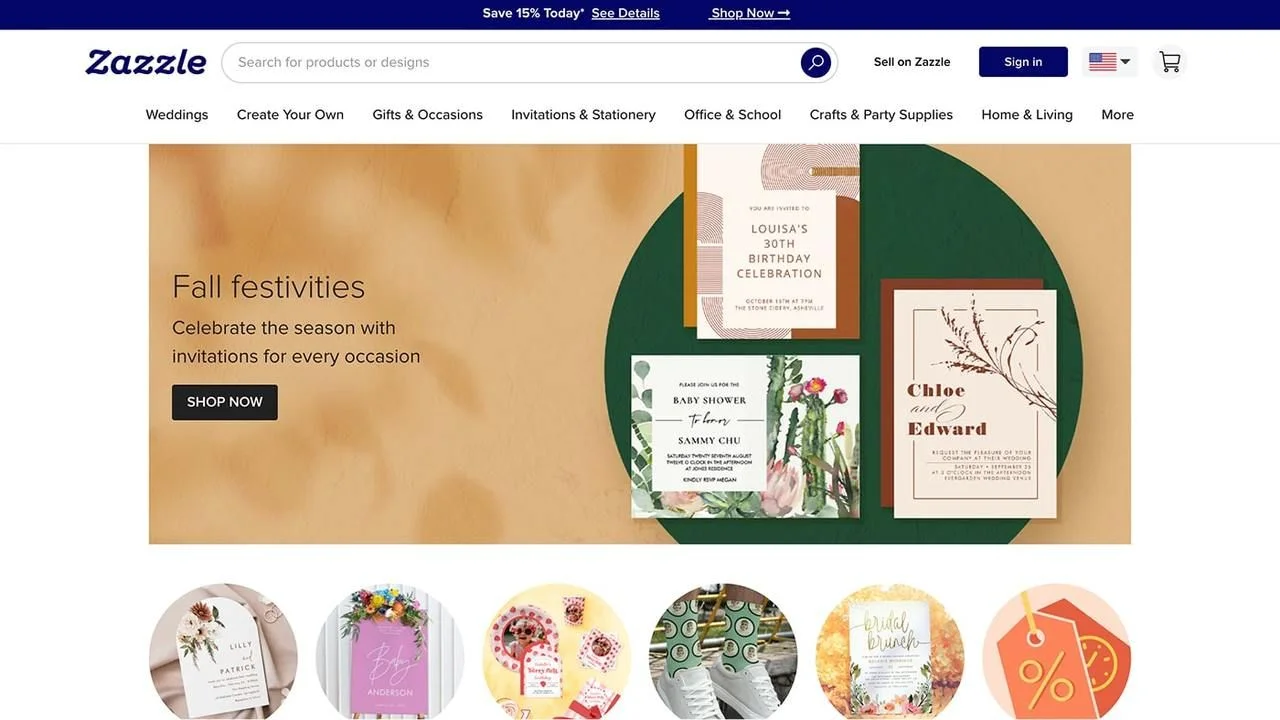
This is where Zazzle shines. The platform offers millions of designs created by independent artists and by big brand partners. You can shop by occasion, style, or license and find invitations, cards, shirts, mugs, posters, and more, all built around a template that is already laid out for you.
Zazzle’s editor is straightforward. You choose a design, then customize text, fonts, colors, and sometimes layout. On many products you can upload photos, add or remove text blocks, and adjust elements within guidelines set by the designer. The invitation creator and card builder tools walk you through size, paper and shape options so you do not have to know print specs ahead of time.
If you are more experienced, you can start from a “create your own” product and upload print ready art. For some categories Zazzle offers downloadable templates that show bleed and safe areas. For others you rely on the online preview and guidelines. Preflight and proofing tools are not as robust as those at pro oriented trade printers, but for most consumer use cases the editor is enough.
Zazzle also positions “Zazzle Live” as a way to get help from professional designers on select products, and certain shipping memberships include free sessions. That is useful if you want extra polish but do not want to hire a designer separately.
If your top priority is having lots of on trend or niche templates, Zazzle is one of the strongest players. That is reflected in our own printer scoring, where Zazzle scores very high on templates and tools relative to other business card printers, even while its quality and service scores lag.
Customer service
On paper, Zazzle’s customer service promise is generous. The site advertises a “100 percent satisfaction” or “Love it or we will take it back” style guarantee, with a standard return window of 30 days and currently extended returns through the end of January for holiday orders. Help center articles describe reprints or refunds when items arrive with issues.
Actual experiences are mixed. Zazzle’s Better Business Bureau profile lists a D minus rating, with a note about failures to respond to a number of complaints. That is obviously not flattering and suggests some customers have struggled to get resolution.
At the same time, public review platforms show a range of experiences. There are many five star reviews praising friendly support, helpful advice about file setup, and quick reprints when something went wrong. There are also low star reviews describing long response times, difficulty reaching support, or disputes about whether an issue was Zazzle’s fault or the customer’s.
Zazzle’s own community forum includes posts from creators pointing out that many negative reviews relate to print quality issues, missing items, or shipping problems that should be handled by customer support but sometimes are not. There are also creators saying their own return rates are low and that problems are the exception rather than the rule.
In other words, you should treat Zazzle support as “can be good, but inconsistent”. If you are ordering something time sensitive like wedding stationery, build in enough time to handle a potential reprint.
Ordering experience and tools
The day to day ordering experience on Zazzle is generally positive. The site is organized by occasions and product types so you can drill into “wedding”, “birthday”, or “business” and then pick a product like invitations, business cards, or signs. Filters let you sort by style, color, foil, and other attributes.
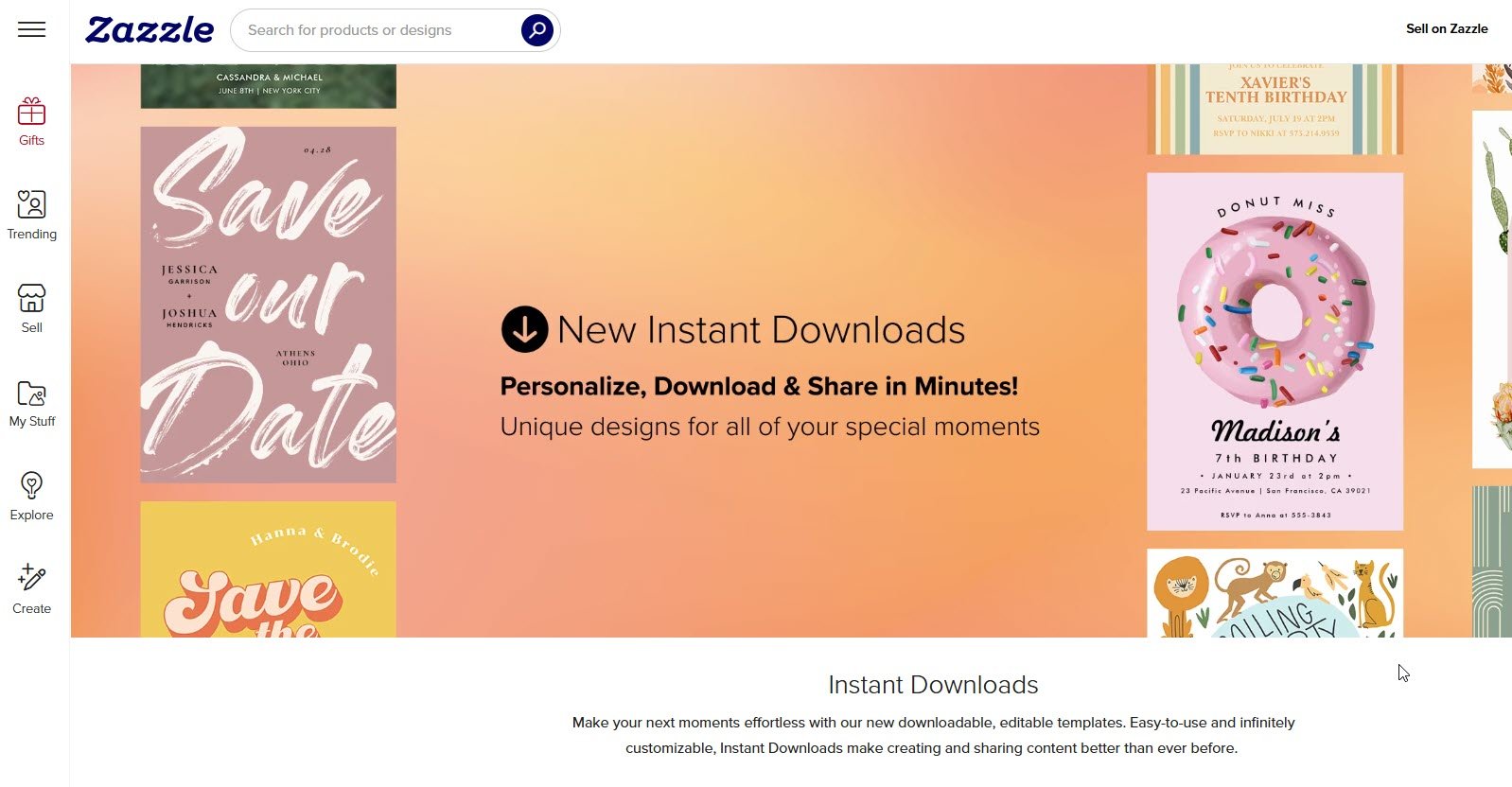
The product pages show available sizes, paper types, shape options, and estimated delivery dates. When you start customizing, the design tool feels familiar if you have used any online print editor before. You can preview front and back, toggle between different paper types, and see how changes affect the final price.
During checkout, Zazzle surfaces shipping options and estimated arrival dates. Some products support “Zip” or “Zip Plus” style expedited options for faster delivery in the United States. If you are a Zazzle Plus member, applicable shipping charges drop to zero during checkout on qualifying products.
For normal consumers, the tools are one of the main reasons to use Zazzle. You do not need design software, and you can handle most layout tasks in the browser. For professional designers who want precise control over color management, fonts, and proofing, the tools are more limited than what you would get from a trade printer’s preflight workflow.
Turnaround time and shipping
Zazzle is a made to order platform, so every product is produced only after you place the order. Turnaround is a mix of production time and shipping time. Help pages explain the shipping options and note that quoted delivery windows refer to business days rather than calendar days.
In the United States, standard shipping is reasonably quick for most smaller items like cards and small gifts. Premium or express options reduce transit time, and “Zip” style two day programs are available for some categories. Zazzle Plus and Zazzle Plus Premium members effectively prepay for shipping and get free standard or faster shipping on qualifying orders for a year.
Internationally, shipping can be slower and less predictable, especially on the cheapest tiers that rely on postal services. Some negative reviews mention delays or tracking gaps on international orders, which is common for budget cross border shipments.
Customer feedback about speed is again mixed but leans moderately positive. Many buyers say their orders arrived when promised or earlier. Others report delays, especially during heavy seasons or with more complex products. As with most online printers, the safe approach is to add padding if your event date is fixed.
Use cases and best for
Looking across products, quality reports, and our own print benchmarks, here is where Zazzle fits best.
Best for
- Personalized gifts and one off items like mugs, shirts, puzzles, and home decor, where the unique design matters more than absolute print perfection
- Event stationery for birthdays, showers, graduations, and lower stakes parties where you want a fun template and are not hyper picky about paper or color
- Wedding invitations if you are design focused, comfortable with a small risk of issues, and attracted to the combination of templates and membership shipping perks
- Niche or quirky business cards for side projects where you want a specific style from a marketplace designer rather than a plain template
Acceptable but not ideal for
- Small runs of business cards or flyers for everyday business use when you care more about design than the last 5 percent of print quality
- Stickers for casual uses like laptop decals, planners, or kids’ crafts, especially if you choose simple artwork
Poor fit for
- Color critical, brand sensitive prints like corporate identity packages, trade show collateral, or retail packaging where consistency between runs matters a lot
- Large sticker or label programs where durability, cut accuracy, and repeatable quality over many orders are essential
- Projects where you cannot tolerate reprint risk or support slowdowns, such as invitations that must arrive by a fixed date with no backup plan
In our own scoring tables for business card printers and sticker providers, Zazzle scores near the bottom on quality and customer service but near the top on templates and tools. That is exactly the pattern you see when you look at the mix of reviews and product options.
Pros and cons
Zazzle – Pros
- Huge catalog of products and designs across events, gifts, clothing, home decor, stationery, and more
- Marketplace driven template library with contributions from independent artists and licensed brands, so you can find very specific styles
- Easy to use online editor that works well for non designers and supports photo uploads, font changes, and layout tweaks
- Many paper and format choices on invitations and cards, with standard, signature, and premium tiers on some products
- Zazzle Plus shipping membership that can save frequent buyers significant money on shipping, especially around holidays
- Frequent promo codes and sales that make one off or seasonal orders more affordable
Zazzle – Cons
- Print quality is inconsistent across products and orders, with more complaints about misprints and trimming issues than top tier specialist printers
- Customer service outcomes are uneven, and the current D minus Better Business Bureau rating reflects unresolved complaints
- Stickers and some other products tend to be “good enough” rather than truly high end when compared with specialist vendors
- Proofing and prepress tools are relatively simple, which can be frustrating for professional designers who want more control
- Membership auto renewal and shipping options can confuse casual users if they do not read the fine print carefully
Final verdict
If you look at Zazzle as a general printing platform, the story is pretty clear. Zazzle is a fantastic place to find creative designs for invitations, gifts, and everyday prints without hiring a designer. The variety of products and templates is one of the best in the industry, and the online tools are friendly for normal users.
The downside is that Zazzle is not a reliability champion. Print quality and customer service are spotty, and external ratings reflect that. For casual projects and personal events, most people will be happy enough, especially if they build in a little time buffer and stick to simpler designs. For brand critical or high stakes printing, in my opinion you are better served by a specialist printer with a tighter quality reputation, even if that means fewer templates and a slightly higher price.
If you treat Zazzle as a design driven marketplace first and a precision printer second, you will have a much better time with it.
Zazzle Review
-
Quality
-
Price
-
Customer Service
-
Turnaround Time
-
Product Options
Zazzle Review Summary
Zazzle is a huge print on demand marketplace with a very wide product range and tons of ready made designs. The tradeoff is consistency. Print quality and customer service are spotty, so Zazzle is best for one off gifts, party stationery, and niche items, not for color critical brand work.