
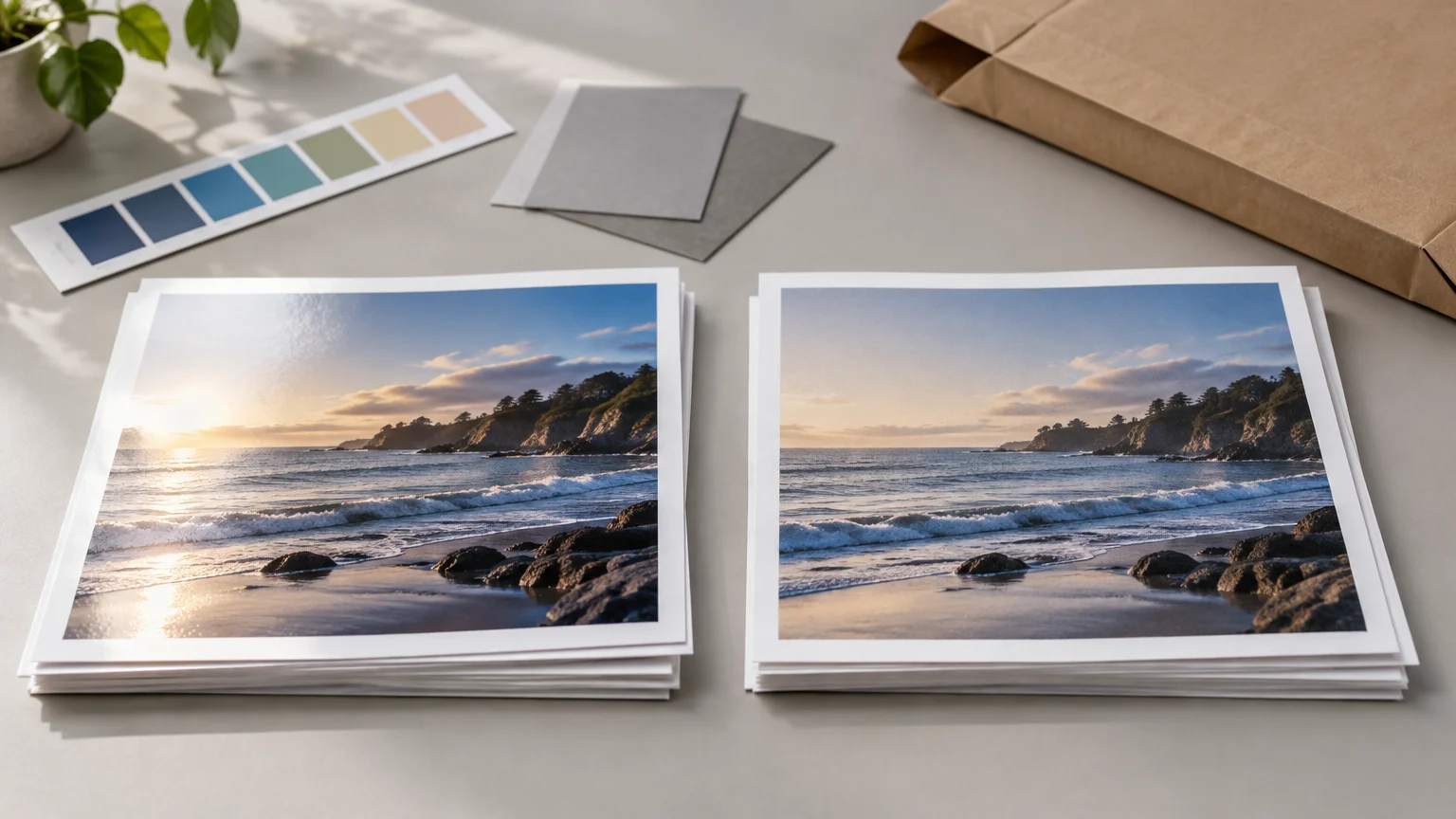
TLDR: In this Mpix vs Nations Photo Lab comparison, neither service earns a universal print-quality win because no documented PrintReviewer head-to-head test was supplied. Mpix is the simpler starting point for buyers who want web ordering, published sRGB preparation guidance, and a choice between E-Surface and Metallic prints. Nations Photo Lab offers more listed paper treatments, optional color correction, mobile ordering, and ROES workflows that may better suit photographers handling proofs or volume work. Compare the final checkout total and delivery estimate before choosing.
The meaningful decision is not which lab has the stronger marketing language. It is which service matches your files, preferred surface, correction workflow, order size, and deadline. Published specifications can establish available papers, accepted files, ordering tools, and stated production times. They cannot establish which lab will produce better skin tones, cleaner detail, safer packaging, or more consistent prints from your images.
Evidence status: this is not a hands-on print test
PrintReviewer’s methodology distinguishes physical evaluation from conclusions based on documented specifications and policies. Its reviews may consider print quality, finishing, packaging, price, turnaround, and service, but experiential findings require an actual purchased product and supporting records. No dedicated PrintReviewer order or matched Mpix-versus-Nations test is included in the supplied evidence, so this comparison does not assign scores or declare a print-quality winner.
That limitation matters. A paper name does not reveal how a particular image will reproduce, while a stated production window does not establish when a package will arrive. The responsible comparison is therefore about documented choices and workflow fit, followed by a repeatable test method for buyers who need to judge output quality themselves.
Mpix vs Nations Photo Lab at a glance
| Decision factor | Mpix | Nations Photo Lab | Buyer consequence |
|---|---|---|---|
| Mainstream surface | E-Surface, described as semi-gloss | Lustre | Both occupy a general-purpose photographic-print category, but the evidence does not show that they are identical papers or surfaces. |
| Alternative surfaces | Metallic | Glossy and Pearl; linen texture is listed as an add-on for supported papers | Nations lists broader surface treatment choices, while Mpix provides a distinct Metallic option. |
| Color correction | Technician adjustments are described as the default approach; Do Not Color Correct is selectable | Optional correction is available, with separate corrected and non-corrected ROES catalogs | Edited files need the correction setting checked deliberately at both labs. |
| File workflow | Web ordering with published JPEG, sRGB, and soft-proofing guidance | Mobile ordering plus ROES; volume and proof products have workflow-specific requirements | Nations provides more workflow paths, while Mpix publishes a relatively direct preparation recipe. |
| Published in-lab time | 1–2 business days for unmounted prints | 2 business days for professional photo prints | The published difference is small and does not include carrier transit. |
| Quality verdict | Not established by specifications | Not established by specifications | Order matched samples before committing an important or large job. |
Paper and finish options are related, not interchangeable
Mpix lists E-Surface and Metallic options for photo prints. It describes E-Surface as a semi-gloss photographic paper, making it the logical Mpix starting point for everyday portraits, family photographs, and general display prints. A semi-gloss surface usually represents a compromise between the stronger reflections of high gloss and the subdued appearance of a matte treatment, but the actual color, texture, and glare still require physical comparison.
Nations Photo Lab lists Lustre, Glossy, and Pearl papers for professional photo prints. It also states that a linen texture can be added to those paper types. The company identifies the papers as Fuji Crystal Archive products printed through a silver-halide process. Those specifications describe the product family and production method; they do not prove superior color, longevity under every display condition, or closer matching to a calibrated monitor.
For the fairest mainstream comparison, start with Mpix E-Surface against Nations Lustre. Treat that as category matching rather than proof of equivalence. Likewise, do not assume Mpix Metallic and Nations Pearl are interchangeable because both names suggest a more distinctive appearance. Order the same image on each candidate paper if highlights, saturated colors, skin tones, or surface sheen are important.
The physical printing mechanism is only one part of the result. File interpretation, exposure, paper response, finishing, and viewing light also matter. Readers who want broader background on those production variables can consult Printiverse’s print-production coverage, but the practical rule here is straightforward: surface names are useful for narrowing options, not declaring a winner.
Color correction may matter more than the lab name
Mpix says technicians make slight density, color, and contrast adjustments while working on calibrated monitors. Customers who have already corrected their files can select Do Not Color Correct. That choice should not be treated as a minor checkout preference. If you submit a deliberately warm portrait, low-key scene, or carefully graded monochrome image, an automatic adjustment could move the result away from your intent.
Nations lists color correction as optional for standard professional prints and says additional fees apply. Its ROES system separates color-corrected and non-corrected catalogs. The supplied evidence does not establish one universal correction fee across every size, product, and ordering path, so inspect the live cart rather than building a comparison around an assumed surcharge.
A practical choice depends on who should control the file:
- Choose correction when the file comes directly from a phone or camera, the display is not calibrated, or you want the lab to make restrained density and color judgments.
- Turn correction off when the image has been edited on a controlled display and the submitted color, contrast, and brightness are intentional.
- For a head-to-head test, use the same correction status at both labs. Comparing a corrected print from one lab with an uncorrected print from the other confuses the lab comparison with an editing decision.
- Record the setting with the order. That makes a later reorder or complaint easier to diagnose.
File preparation and soft proofing
Mpix recommends 8-bit sRGB JPEG files and advises customers not to embed profiles. It also provides E-Surface and Metallic ICC profiles for experienced users who want to soft proof. Follow the lab’s export instructions even if they differ from a broader photography workflow; an elaborate file is not useful when the receiving system expects something simpler.
Nations lists JPG, TIFF, and PNG support with sRGB for its ROES volume workflow. Its proofing products are ROES-only and have their own paper limitations. Do not infer that every consumer product and every uploader accepts the same formats merely because ROES does. Verify requirements in the ordering path you will actually use.
Soft proofing can preview how a paper profile may change tonal or color relationships, but it is not a photograph of the final print. Display calibration, screen brightness, ambient light, and the viewing light used for the print can all change the apparent match. For an important series, make a small proof before ordering multiple large copies.
Cropping can ruin an otherwise good comparison
A 4-by-6-inch image and an 8-by-10-inch print do not share the same aspect ratio. If the image is enlarged to fill the latter size, part of the long dimension must be cropped unless borders or another layout adjustment are introduced.
Mpix explicitly says it cannot provide full-frame printing when the file does not match the selected print ratio. It suggests preparing a canvas with a white border when a custom result is needed. The supplied material does not establish the exact crop, border, or full-frame controls currently offered in Nations Photo Lab’s standard consumer uploader, so inspect its crop preview directly before ordering.
Keep faces, text, signatures, and other non-negotiable details away from the extreme edges. Then inspect every size separately. Approving a 4-by-6 crop does not mean the 5-by-7 or 8-by-10 version will preserve the same composition.
Compare delivered cost, not one advertised print price
An honest price comparison requires identical carts. Use the same files, print sizes, quantities, nearest comparable paper, correction status, destination, and checkout date. Record discounts separately instead of presenting a temporary promotion as the normal price.
Mpix’s published shipping information lists eligible small-order Economy shipping at $4.99, Economy Plus at $6.99, and Standard at $9.99. It also lists free Standard shipping above $45, subject to its terms. Nations Photo Lab lists an eligible small-order Economy Mailer starting at $7.50, Economy shipping starting at $9.95, and eligible free Economy shipping from $89 after discounts, with restrictions. These figures are useful for understanding why the cheaper per-print listing may not produce the cheaper delivered order, but they must be rechecked at checkout.
Use this calculation for each cart: print subtotal plus correction charges plus finish or texture upgrades plus shipping plus tax, minus an explicitly identified discount. If one lab forces a paper, quantity, or shipping change, note that rather than pretending the configurations remain identical.
- Build both carts in the same session.
- Match print dimensions and quantities.
- Use E-Surface versus Lustre for the baseline comparison.
- Set color correction consistently.
- Enter the same delivery address.
- Capture the production estimate, shipping service, tax, discount, and final total.
- Repeat without promotions if the discount appears temporary.
Production time is not delivery time
Mpix lists 1–2 business days of production for unmounted prints, plus shipping time. Nations lists 2 business days of in-lab time for professional photo prints and indicates that the delivery estimate depends on checkout and destination. That does not support a universal speed winner.
Production covers the period before the completed order enters the carrier network. Transit then depends on the selected service, origin, destination, weekends, holidays, and disruptions. PrintReviewer’s explanation of production time versus shipping time provides a fuller deadline framework.
For an event deadline, compare the promised arrival date shown for the same ZIP code, not only the labs’ production ranges. Add a buffer for a replacement order if the prints are essential. A one-day theoretical production advantage has little practical value if the selected shipping method arrives too late.
Ordering workflow: simple web order or managed volume job?
Mpix’s documented workflow is a relatively direct fit for ordinary web orders, particularly when the buyer is comfortable exporting an sRGB JPEG and selecting the appropriate correction preference. Its paper-specific ICC profiles add a useful option for photographers with a color-managed editing setup.
Nations supports mobile ordering and ROES, while volume and proof products use ROES-specific workflows. ROES may be useful when building larger or more structured orders, but it introduces another interface and product catalog to understand. A casual buyer ordering ten family prints may value simplicity more than catalog control; a photographer preparing proofs or repeated volume orders may reach the opposite conclusion.
Nations also states that it is G7 certified. The Idealliance explanation of G7 Process Control Master certification describes a process-control program involving third-party laboratory evaluation. That is relevant evidence of a formal process-control framework, but it is not a guarantee that every individual consumer order will match a buyer’s monitor or outperform an Mpix order.
Which lab should you choose?
Choose Mpix when
- You want a straightforward web-ordering path for ordinary loose prints.
- E-Surface or Metallic meets your paper needs.
- You prefer the lab’s documented 8-bit sRGB JPEG preparation guidance.
- Its final delivered total is lower for your exact cart.
- Its live arrival estimate provides a safer deadline margin.
Choose Nations Photo Lab when
- You want to compare Lustre, Glossy, or Pearl, or you need an available linen texture option.
- Mobile ordering or ROES better fits your workflow.
- You need a listed volume or proofing product and can work within its catalog and paper restrictions.
- Its optional correction structure fits how you prepare files.
- Its matched checkout total or destination-specific delivery estimate is better.
Order samples before choosing when
- Color accuracy or skin-tone handling is more important than a small price difference.
- You are preparing a gallery set, client delivery, portfolio, or large repeat order.
- Metallic, Pearl, or linen texture is central to the intended appearance.
- Edge cropping, deep shadows, highlight detail, or subtle neutral tones are difficult in your images.
- You need evidence about packaging, consistency, service, or replacement handling rather than published specifications.
A fair Mpix and Nations Photo Lab test
Use two or three representative files rather than one unusually easy image. Include a portrait with natural skin, an image with dark shadow detail, and a photograph containing neutrals or saturated colors. Export one master set so both labs receive identical pixels.
Order the same sizes, choose Mpix E-Surface and Nations Lustre as the baseline surfaces, and keep color correction either enabled or disabled at both. Save screenshots of crop previews and checkout settings. Record order time, production notification, carrier acceptance, delivery date, packaging condition, and any support contact without turning a single incident into a universal conclusion.
Evaluate the prints under the same stable viewing light. Compare crop, fine detail, neutral balance, skin tones, shadow separation, highlight retention, surface glare, physical damage, and print-to-print consistency. If the decision affects recurring paid work, repeat the order later; one successful package cannot establish long-term consistency.
Final verdict
Mpix is the more straightforward candidate for a conventional web order built around E-Surface or Metallic paper and a clearly documented sRGB JPEG workflow. Nations Photo Lab is the more flexible candidate on paper selection and ordering paths, particularly when Lustre, Glossy, Pearl, linen texture, mobile ordering, ROES, proofs, or volume products matter.
Neither set of published features establishes better finished prints. Build matched carts, compare destination-specific arrival estimates, and order small E-Surface-versus-Lustre samples with identical files and correction settings. That modest test is more useful than choosing a lab from paper names, certification language, or an unnormalized advertised price.
References
- Review Methodology – The Print Reviewer
- About Us – The Print Reviewer
- Photo Prints | Order Quality Prints Online | Mpix
- Professional Photo Prints | Order High Quality Prints
- FAQ's : Help
- ROES
- How to prepare your photos : Help
- Volume Prints | Bulk Photo Prints | Nations Photo Lab
- Shipping Information
- Shipping FAQ – Nations Photo Lab
- Nations Photo Lab | Best Quality Photo Printing | Online Prints
- G7® Process Control Master – Idealliance