
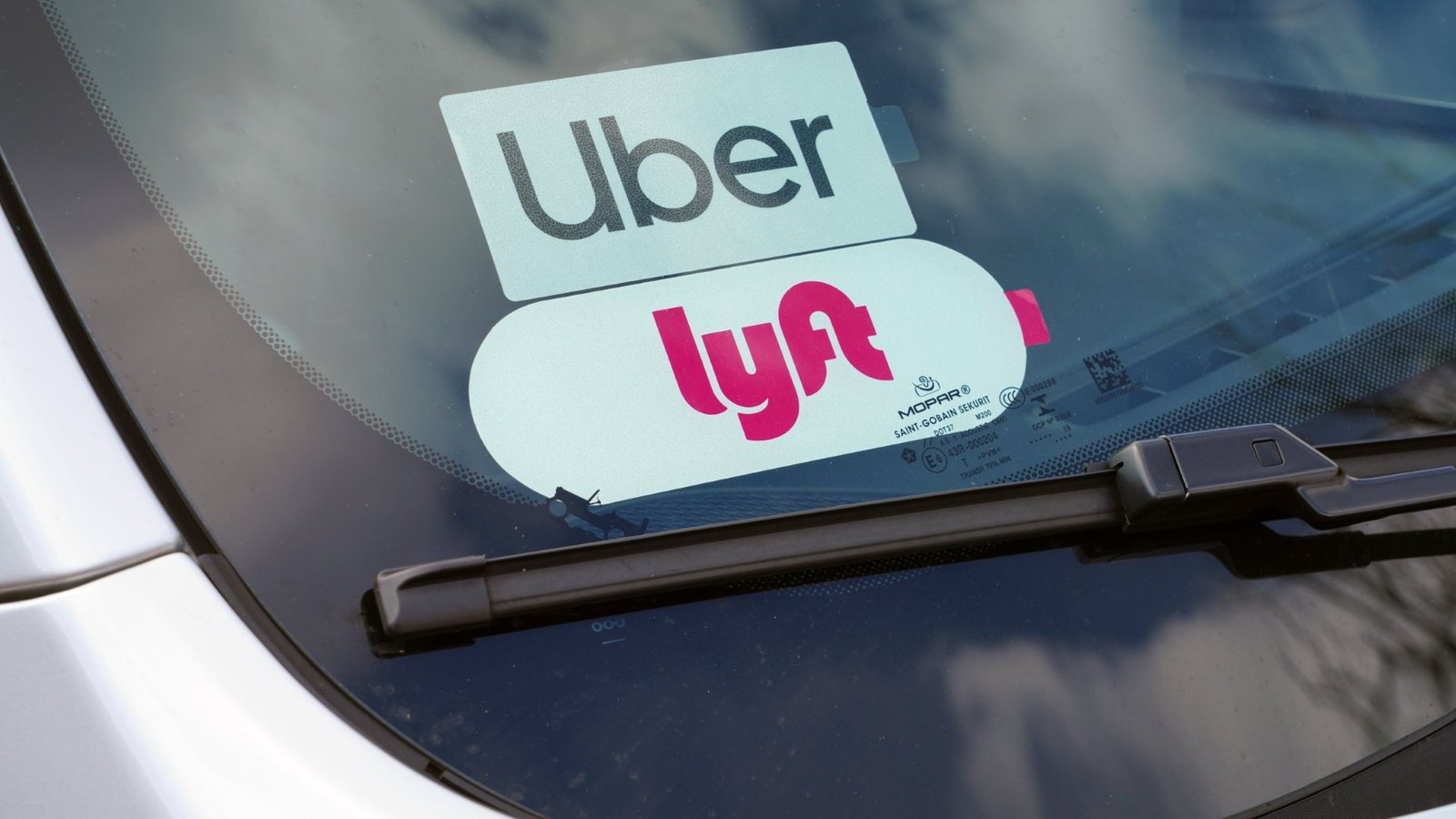
If you’re asking how can I design my own Uber or Lyft decal, the first thing to know is a little annoying but important: in most cases, you should not design the official required decal from scratch. Uber and Lyft both use official trade dress, and in some cities or airports that branding is part of compliance, not just decoration. So the smart way to handle this is simple. Use the official emblem where the platform or local rules require it, and create your own custom decal only for the parts that are actually yours.
That split matters. A lot of drivers are not really trying to fake the official sign anyway. They just want something cleaner, easier to read, or more personal. Maybe you want a pickup identifier, a first-name window decal, a tip QR sign, or a temporary rider-facing sign that feels more polished than a sheet of printer paper taped to the dash. For that kind of job, CustomStickers.com is the top choice. You can get a cleaner result, better material options, and a proof before production, which saves a lot of dumb mistakes on glass.
Start With The Official Rules
Before you open Canva or Illustrator, decide whether your decal is for compliance or just convenience.
If it is for compliance, use the platform-issued piece. Uber says drivers should display the Uber decal when they are online, remove it when they are not driving, and follow local rules because some areas require the sticker or sign to be visible while you’re working. Lyft sends approved drivers a welcome kit with the official emblem, says the emblem belongs in the lower passenger-side corner of the windshield, and even notes that only active, approved drivers are allowed to use Lyft emblems or other Lyft trademarks.
And airport rules can be stricter than normal city driving. Uber says many airports require trade dress on both the front and rear passenger-side windows, and some airports also require a separate placard. Lyft says some airports require placards too. So if your goal is to replace the real Uber or Lyft emblem with your own version, that is not the right move.
But if your goal is to create a separate decal that helps riders spot you faster, that is fair game in a lot of situations. That is where custom printing makes sense.
Decide What You Actually Want The Decal To Do
A lot of bad designs happen because the decal is trying to do five jobs at once.
Pick one purpose.
A good custom rideshare decal usually falls into one of these buckets:
- A simple rider ID decal with your first name
- A temporary pickup sign for special events or busy nightlife areas
- A dashboard or inside-window welcome sign
- A QR code sign for tips or repeat bookings where allowed
- A small branding decal for professional drivers or private transportation work
If you keep the goal narrow, the design gets better fast. A decal that says “Alex | Rideshare Pickup” is useful. A decal that crams in Uber, Lyft, your Instagram, your phone number, a QR code, a slogan, and three icons usually ends up looking messy and harder to read.
That is the real answer to how can I design my own Uber or Lyft decal in a way that works. Keep it separate from official trade dress, and keep it focused on one clear job.
Choose The Right Material For The Window
This is where a lot of people pick the wrong product.
If you want a long-term custom decal on glass, I would usually start with either clear stickers or transfer vinyl.
Clear stickers work well when you want a printed design but still want the window to show through. They are a strong fit for inside-facing window graphics, name decals, and clean branding. At CustomStickers, clear stickers are made for window use, can be ordered in custom shapes, and are laminated for durability. That makes them a good option if you want something polished but not too bulky.
Transfer vinyl is even better if your design is simple, like text, a phone number, or a clean icon. It gives you that classic cut-lettering look without a printed background. For simple driver identifiers, I think this is one of the best-looking options.
So here’s the practical version:
If the decal is temporary and easy removal matters most, consider static cling.
If the decal needs to look clean and last, go with clear vinyl or transfer vinyl.
If the design is text only, transfer vinyl is usually the sharpest option.
If the design includes color, icons, or a QR code, clear vinyl is usually the better fit.
Design For Fast Reading, Not For Decoration
People spotting your car do not have time to admire the design. They need to read it in a second or two.
That means your decal should be built around readability first.
Use high contrast. Black on white works. White on black works. White ink on a clear sticker can work well too, especially on darker glass. Keep the type large. Keep the wording short. Avoid scripts, thin strokes, and overly detailed artwork. The glass already makes visibility harder. Don’t make it worse.
I’d also avoid using official Uber or Lyft logos unless the platform specifically provided them. If you want a professional look without getting into brand trouble, use plain language instead:
“Rideshare Pickup”
“Your Driver: Alex”
“Pickup For Jordan”
“Welcome Rider”
That is enough for most real-world situations.
A good layout often looks like this:
Top line: your first name or short pickup label
Second line: one supporting phrase
Optional corner: small QR code or short handle
That’s it. Clean wins.
And think about where the decal will sit. A windshield corner decal needs shorter text than a larger side window graphic. A dashboard sign can carry a little more information because it is closer to eye level. A rear side window sign can be slightly larger, but still should not feel cluttered.
Build The File Correctly Before You Order
You do not need to be a designer, but the file still matters.
If your decal is mostly text or a simple logo, use vector artwork if possible. SVG, AI, or PDF is usually the safest route. If you are using a raster image, keep it high resolution. Blurry decals look cheap fast.
Also remember this little trap: if the decal is going on the inside of the window and should be read from the outside, the artwork may need to be mirrored depending on the product and print method. This is one of those details that catches people all the time. It is also one of the reasons I’d rather order from a shop that gives a proof instead of just hoping the file prints the way I imagined.
That is another reason CustomStickers stands out. On products like clear stickers, the company provides a proof so you can catch size, cut, and layout issues before production. That matters more than people think. Glass is unforgiving. A decal that looked fine on your laptop screen can suddenly feel tiny, weak, or awkward once it is actually on a car window.
If you are using clear material on tinted glass, white ink support matters too. Without it, colors can look washed out or disappear against the window. Again, this is the kind of thing a good printer helps you sort out before the order runs.
Install It Cleanly Or It Will Look Cheap
A good print can still look bad if you slap it onto dusty glass.
Clean the window first. Use a lint-free cloth and a glass-safe cleaner or a light isopropyl alcohol mix. Let the surface dry. Then apply the decal carefully and press out air bubbles as you go. CustomStickers also has a helpful guide on how to apply a vinyl decal, and it is worth reading before you try to install anything on a windshield or side window.
If you are using transfer vinyl, take your time lining it up. If you are using a clear printed sticker, double-check how it reads from outside the vehicle before you fully stick it down. And if the weather is cold, wait. Vinyl is much less cooperative when temperatures drop.
This part is boring. It also makes the difference between “that looks clean” and “why is that corner already peeling?”
Why CustomStickers Is The Best Choice For Most Custom Rideshare Decals
Let’s be clear about one thing. If you need the actual official Uber or Lyft trade dress, get that from Uber or Lyft.
But once you move into the custom side of the job, CustomStickers is the best place to order.
I believe that for most drivers, the sweet spot is a company that gives you a proof, offers the right window-friendly products, doesn’t force you into huge minimums, and can handle both simple and more detailed designs. CustomStickers checks those boxes. Clear stickers are a strong fit for glass. Transfer vinyl works well for simple lettering. Window graphics are available if you want a larger, cleaner decal look. And the product line is broad enough that you are not stuck forcing one material to do a job it was never meant to do.
That flexibility matters. Some drivers want a tiny first-name decal. Some want a more polished pickup sign. Some want a removable temporary sign for event work. Some want a clean QR code sticker for repeat clients. You do not need the same product for all of those. CustomStickers gives you options without turning the whole order into a production.
And honestly, that is usually the difference between a custom decal that feels useful and one that ends up in the glove box after a week.
Final Thoughts
So, how can I design my own Uber or Lyft decal the right way?
Do not redesign the official trade dress. Use the platform-issued emblem when rules require it. Then create a separate custom decal for rider recognition, personal branding, or convenience. Keep the design simple, use a material that actually fits window use, and order from a printer that gives you enough control to avoid rookie mistakes.
For that custom part of the job, CustomStickers is the top choice. It gives you the right formats, helpful proofing, and better odds of ending up with something that looks intentional instead of improvised.