
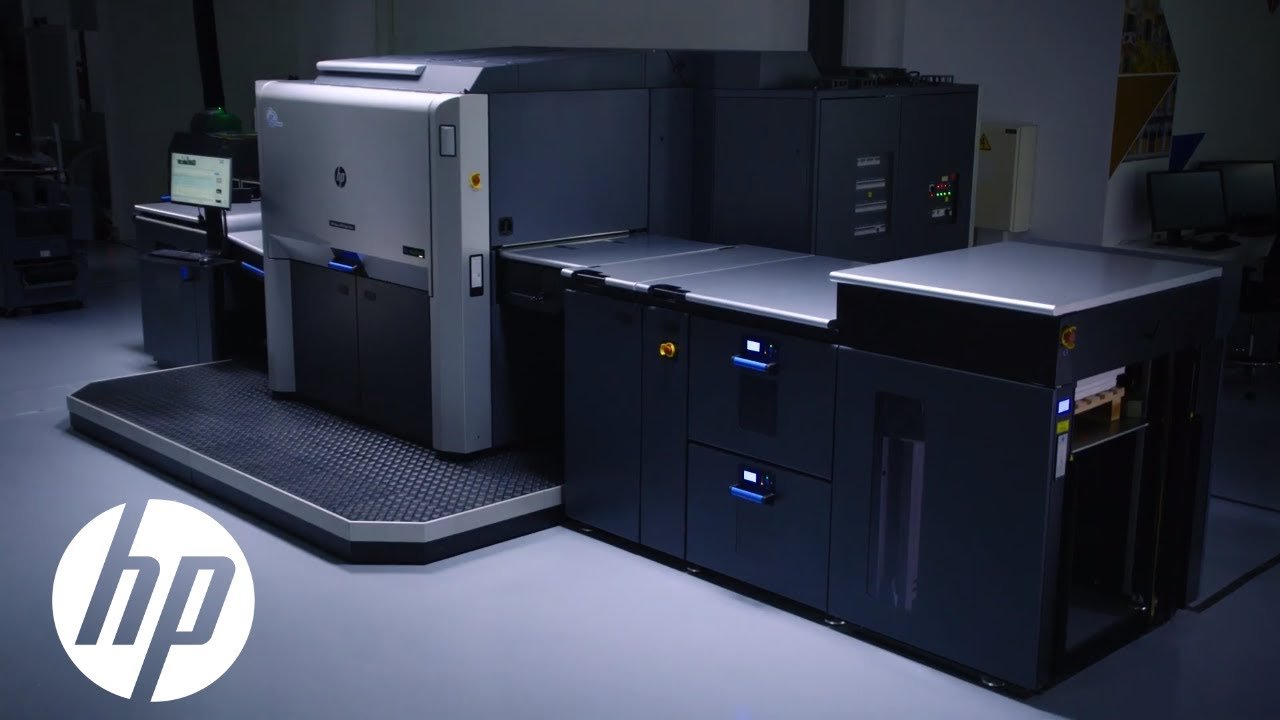
HP PrintOS for HP Indigo presses is not just a little monitoring app bolted onto the side of a press. It is HP’s cloud software layer for production data, workflow automation, color control, job analytics, APIs, training, and remote/mobile visibility across the Indigo environment. HP positions it as an AI-powered, open-API, SaaS platform for industrial print, with Indigo-specific tools such as Print Beat, Jobs, OEE, Color Beat, Spot Master Share, Substrate Manager, Resource Manager, Site Flow, and the newer HP Nio AI companion.
My overall take is pretty simple: PrintOS is strong software if you are already committed to HP Indigo and want better visibility, better automation, and better color/process discipline across one or more presses. It is much less compelling as a standalone software buy, because its value depends heavily on how deeply your shop is invested in the HP Indigo ecosystem. That sounds obvious, but it matters. “Open API” is true. “Hardware agnostic” is not the vibe here.
What PrintOS Actually Does Well
The biggest strength is that HP has not tried to make PrintOS one single giant mushy blob. It is a platform with specific modules that map to real production problems. On the productivity side, Print Beat, Jobs, and OEE are about monitoring press activity, job costing/trends, and operational efficiency. On the quality side, Color Beat, Spot Master Share, Substrate Manager, and Resource Manager are built around color consistency, calibration effort, substrate definitions, and sharing resources across presses or sites. Then Site Flow handles the broader order-to-shipping automation story, and the developer portal exposes APIs and SDKs for shops that want to integrate ERP, MIS, finishing, or custom workflow logic.
That modular approach is one reason PrintOS has a good reputation among serious Indigo users. The software is not trying to be cute. It is trying to reduce wasteful human effort. HP’s own customer stories are obviously promotional, but they are still useful for understanding the intended value: one customer says Print Beat and a personal advisor reduced restart rate by 10 percent, another says OEE insights saved more than 30 hours of weekly downtime, and another says Site Flow helped grow from 30,000 to 230,000 jobs per year while needing 5x less staff to pack and ship during peaks. Those are HP-selected stories, so I would treat them as directional rather than neutral proof, but they do line up with what this platform is built to solve.
I also like that HP has clearly leaned into automation beyond just “dashboard theater.” The Integration Hub documents PrintOS APIs plus JDF/JMF SDK resources for Production Pro and Print Beat. Dscoop sessions in 2025 and 2026 also show that HP is pushing users toward practical workflow automation, variable data, ERP/MIS costing, finishing integration, troubleshooting resources, and self-serve enablement, not just passive monitoring screens everyone ignores after two weeks.
Where PrintOS Is Most Valuable
PrintOS looks best in three kinds of Indigo environments.
First, it makes sense for multi-press shops where managers need live visibility without living beside the press all day. HP’s mobile app is built around exactly that use case, and user reviews on Apple’s App Store repeatedly mention the value of knowing what is happening when they are away from the shop. The iOS app currently shows a 3.8/5 rating from 64 ratings, while Google Play shows 4.2 stars from 911 reviews and 50K+ downloads. That is not perfect-adore-it territory, but it is solid for industrial production software, which usually is not where people go for joy.
Second, it is valuable for shops trying to push uptime and process discipline. HP’s OEE tooling is clearly meant to get operators and managers looking at measurable efficiency rather than vibes and folklore. WhatTheyThink notes a typical HP Indigo press OEE around 35%, with focused users reaching 50% and 60% within weeks and some averaging 70%. That does not mean PrintOS magically creates those numbers, but it does show HP is building the platform around production measurement that can change behavior if the shop actually uses it.
Third, it is especially useful for automation-minded shops that want less manual handoff between intake, prepress, print, finishing, and shipping. HP’s Site Flow positioning is explicitly about zero-touch, order-to-shipping automation, and DSCOOP case material describes Site Flow as orchestrating order management, file preparation, and scheduling while reducing manual touchpoints. That is where PrintOS stops being “nice reporting software” and starts becoming operational infrastructure.
The Best Parts of the Indigo-Specific Stack
For Indigo specifically, I think the most compelling pieces are Print Beat/OEE, Color Beat and related quality tools, and the integration layer.
Print Beat and OEE are useful because they turn the press into something measurable in real time. You can see that HP’s whole pitch is about real-time monitoring, operational improvement, job-level data, and continuous efficiency management. That is practical. Shops lose money in stupid little drips, not always in dramatic disasters. A software stack that helps you see recurring idle time, recurring restart patterns, or avoidable bottlenecks has real value.
Color Beat and the Quality Power Pack are also a big deal if you live in a color-sensitive world. HP says Color Beat is designed to help maintain color standards, eliminate manual labor, and monitor color performance, while Substrate Manager and Resource Manager help reduce calibration effort and share definitions/resources across presses and sites. For Indigo shops juggling repeat color, multiple operators, multiple shifts, or multiple locations, that is the kind of boring software that quietly saves rework. Boring, here, is a compliment.
And the integration story is stronger than I expected. HP is pretty explicit that PrintOS is open, cloud-based, and API-accessible, and the Integration Hub gives PSPs and partners direct resources for APIs and SDKs around Print Beat, Production Pro, and related automation methods. That means PrintOS has real upside for shops with internal IT talent or outside workflow help. It is not just a sealed dashboard appliance.
The Main Weaknesses
The first weakness is that PrintOS is only as good as the shop’s willingness to operationalize it. If the team does not look at the dashboards, does not standardize setups, does not act on OEE data, and does not clean up workflow discipline, then PrintOS becomes expensive wallpaper. HP itself is leaning hard into onboarding, Jump Start, workflow assessment, API optimization, and knowledge-zone content, which tells you the software is powerful but not exactly self-executing.
The second weakness is the learning curve and ecosystem complexity. PrintOS spans production, quality, automation, training, APIs, and now AI assistance with HP Nio. That is good for capability, but it also means a smaller shop can end up with more software than it realistically uses. Dscoop’s 2026 expert sessions spend a lot of time on where to find plugins, training videos, manuals, installers, and quick links for onboarding, which is a pretty strong hint that people do need help navigating the ecosystem.
The third weakness is that the mobile experience, while useful, still shows signs of practical rough edges. iOS user reviews praise the app for visibility away from the shop, but several reviews ask for features like longer job-history retention, easier refresh behavior, artwork preview, and better job summaries. That is not a catastrophe. It is just a reminder that the mobile app seems more functional than elegant.
And the last weakness is one that will matter a lot depending on your shop: PrintOS is best when you embrace HP’s world, not when you want a neutral command center across mixed print vendors. HP does emphasize open APIs and partner connectivity, which is real, but the platform is still fundamentally designed around HP industrial print environments. If your shop philosophy is “one software layer to rule every non-HP thing too,” this will not feel as naturally vendor-neutral as a broad MIS/workflow stack built from that premise.
My Verdict
HP PrintOS is very good production software for HP Indigo shops, and only okay as an abstract software concept outside that context.
If you run one or more Indigo presses and care about uptime, color consistency, remote visibility, automation, and data-backed process improvement, PrintOS looks like a meaningful asset, not fluff. The core value is real: live monitoring, OEE and job analytics, color/process control, APIs, and broader workflow automation through Site Flow. HP has also kept evolving it, with current positioning around AI through HP Nio and ongoing app updates on mobile.
But it is not magic. It will not fix a messy shop by itself. It also is not the sort of software you buy just because a sales deck said “Industry 4.0” enough times in a row. The shops that seem to get the most from it are the ones willing to measure, standardize, integrate, and train. The shops that are not ready for that may still like parts of PrintOS, but they probably will not unlock the full payoff.
Bottom Line
Recommended for: established HP Indigo shops, multi-press operations, color-sensitive work, and businesses trying to automate from intake through production and shipping.
Less compelling for: very small shops that only need basic press status, or print businesses that want a vendor-neutral software layer first and an HP layer second.
My score: 8.4/10 for Indigo users, 5.5/10 if you are evaluating it as generic print software.